Software
e-Way Bill softwarethat starts from your invoice
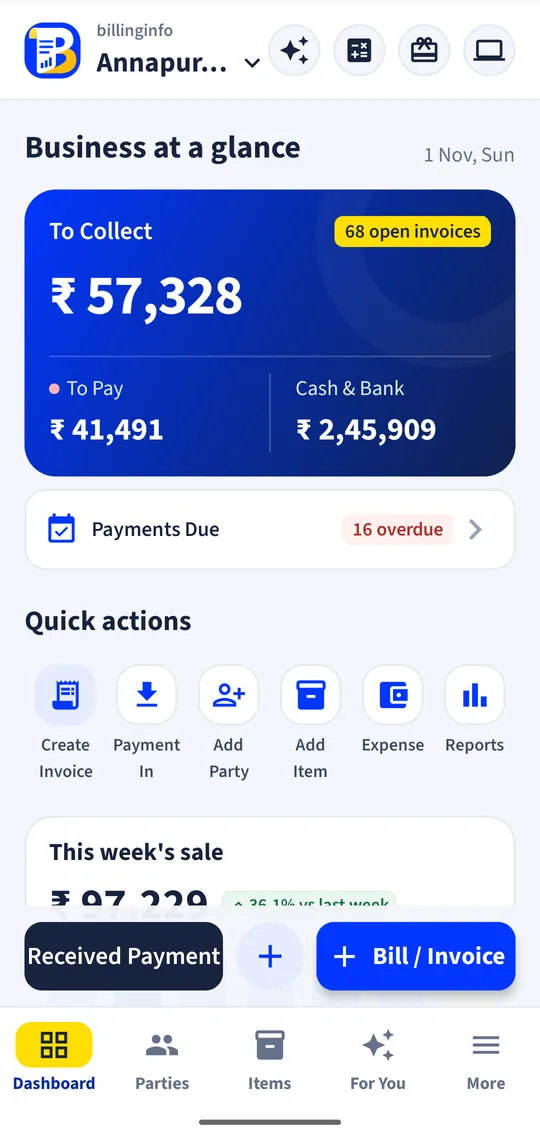
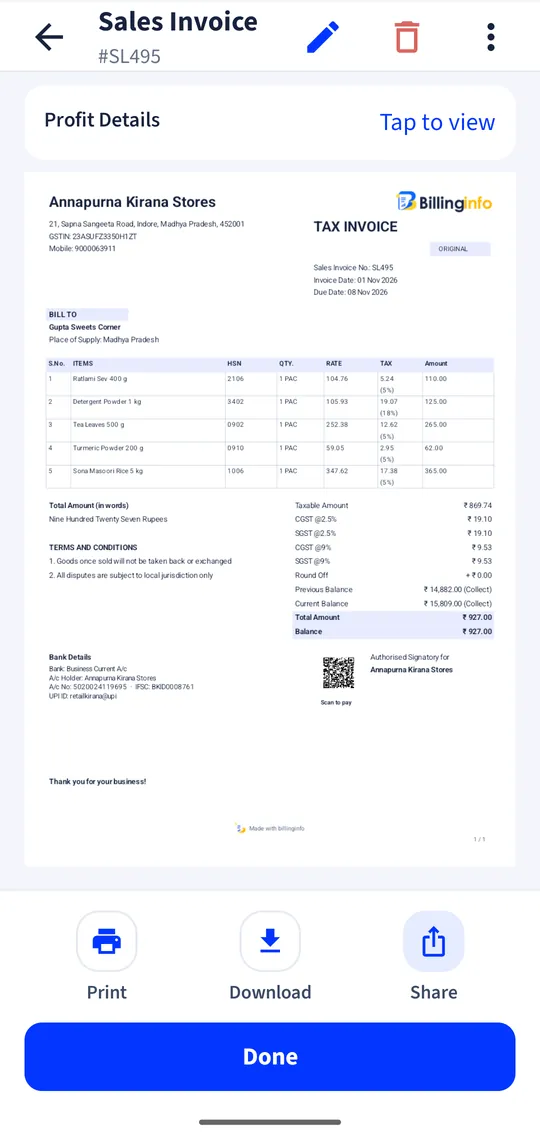
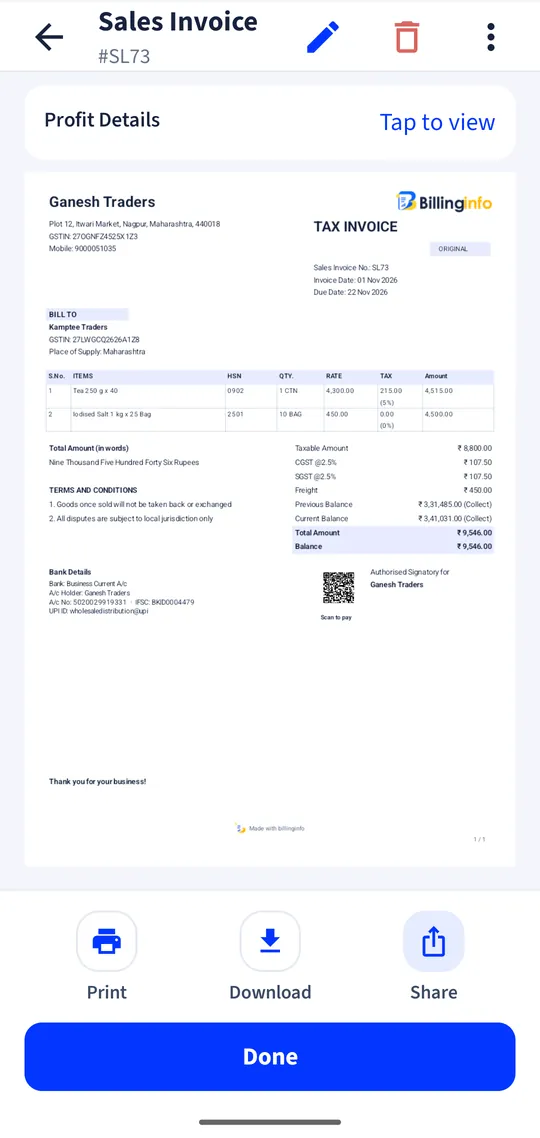
Your invoice already has the parties, items, HSN codes and values. billinginfo sends them to the e-Way Bill system for you, so you add only the transport details and get the e-Way Bill number on the bill.
Free for 15 invoices a monthAndroid and browserHindi, Gujarati and Hinglish
What it does
From the bill, not the portal
Generate an e-Way Bill from a sales invoice, delivery challan or return. Supplier, recipient, items, HSN, values and tax come from the document.
Part B and vehicle changes
Add the vehicle number later, or change it when goods move to another truck.
Extend and cancel
Extend validity when a consignment is delayed, or cancel within the allowed time.
Transport details on the invoice
Distance, transporter ID, transport document number and vehicle type are kept with the bill, together with the e-Way Bill number and validity.
Your own portal user
Each business enters its own e-Way Bill API user once; it is stored encrypted and never shown again.
GSTIN autofill
Add a new buyer by GSTIN so the address and state that go on the e-Way Bill are the registered ones.
Who needs an e-Way Bill
Under the CGST Rules (Rule 138), an e-Way Bill is generally needed when goods worth more than ₹50,000 in one consignment are moved, whether for a sale, a return, job work or a branch transfer. Some states set different limits for movement within the state, and some goods are exempt. Read our e-Way Bill rules guide for the details, and confirm with your accountant if in doubt. The e-Way Bill has two parts. Part A carries the document details: GSTINs, place of delivery, document number and date, value, HSN and the reason for transport. Part B carries the vehicle number or the transporter’s document. The validity is counted from the time Part B is first entered, broadly one day for every 200 km for normal cargo.
Why generate it from the billing software
Typing an e-Way Bill on the portal means copying every line of the invoice again: GSTINs, HSN codes, quantities, values and tax. Mistakes in those fields are what get a truck stopped. When the e-Way Bill is made from the saved invoice, the two always match, and the e-Way Bill number and validity are stored with the invoice, so you can find them when the buyer calls.
Plans and limits
e-Way Bills are included in the paid plans: 20 a month on Plus, 40 on Pro, and unlimited on Max under our fair use policy. Each business connects its own e-Way Bill API user from the GST portal. The free plan does not include e-Way Bills.
Get started
- On the e-Way Bill portal, create an API user for your GSTIN, as the app’s e-Way Bill settings explain.
- In billinginfo, enter that user in e-Way Bill settings (GSP details).
- Open a saved invoice, challan or return and choose e-Way Bill.
- Add transport details and generate. Update Part B or extend later from the same screen.
Do I still need the e-Way Bill portal login?
You need an API user created on the portal once. After that you generate and update e-Way Bills from billinginfo.
Which documents can have an e-Way Bill?
Sales invoices, delivery challans and returns.
Is it on the free plan?
No. Plus includes 20 e-Way Bills a month, Pro 40, Max unlimited (fair use).
Does it work in the web app too?
Yes. Generate, update Part B, extend and cancel from the phone or the browser.
Your next bill can
be a better one.
Free for 15 invoices a month. Try Plus for a week at ₹9. On your Android phone and in your browser.