
Billing forprinters.
Quote the job, deliver on a challan, bill it with the job number on the invoice, and keep track of every advance.
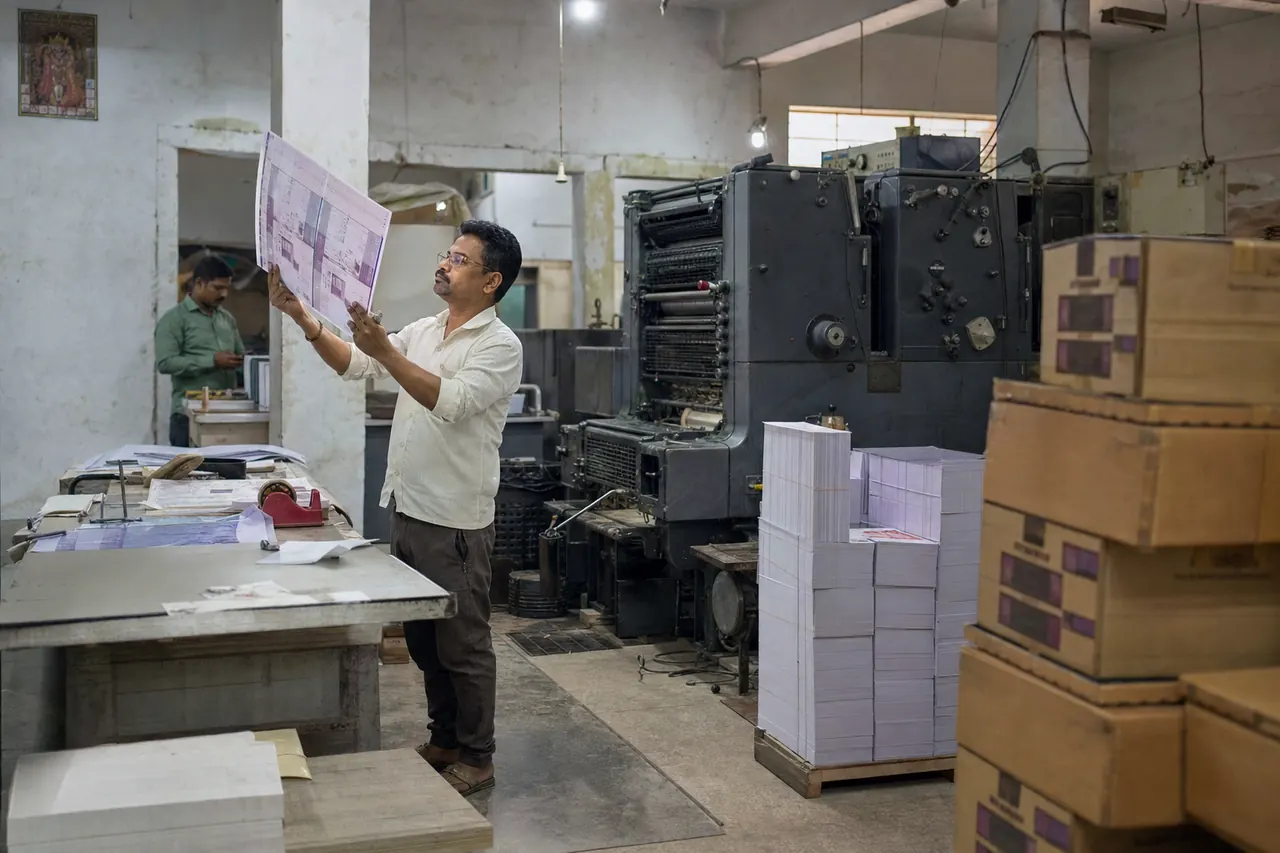
The problems we fix
Every job is custom
Sizes, quantities and rates change with each order.
Deliveries before billing
Boxes and prints go out before the final bill.
Advances
Customers pay part upfront and the rest on delivery.
Built for your counter
Quotations
Send a quotation and convert it to an invoice when the job is confirmed.
Delivery challans
Deliver on a challan, then convert it to an invoice.
Custom fields
Add your own fields, such as a job number, to invoices.
Advances and part payments
Record the advance on the bill and collect the balance later.
Products and services
Boxes and labels with stock, and design or printing charges as services, each with its own GST.
Customer accounts
Balances and statements for every regular customer.
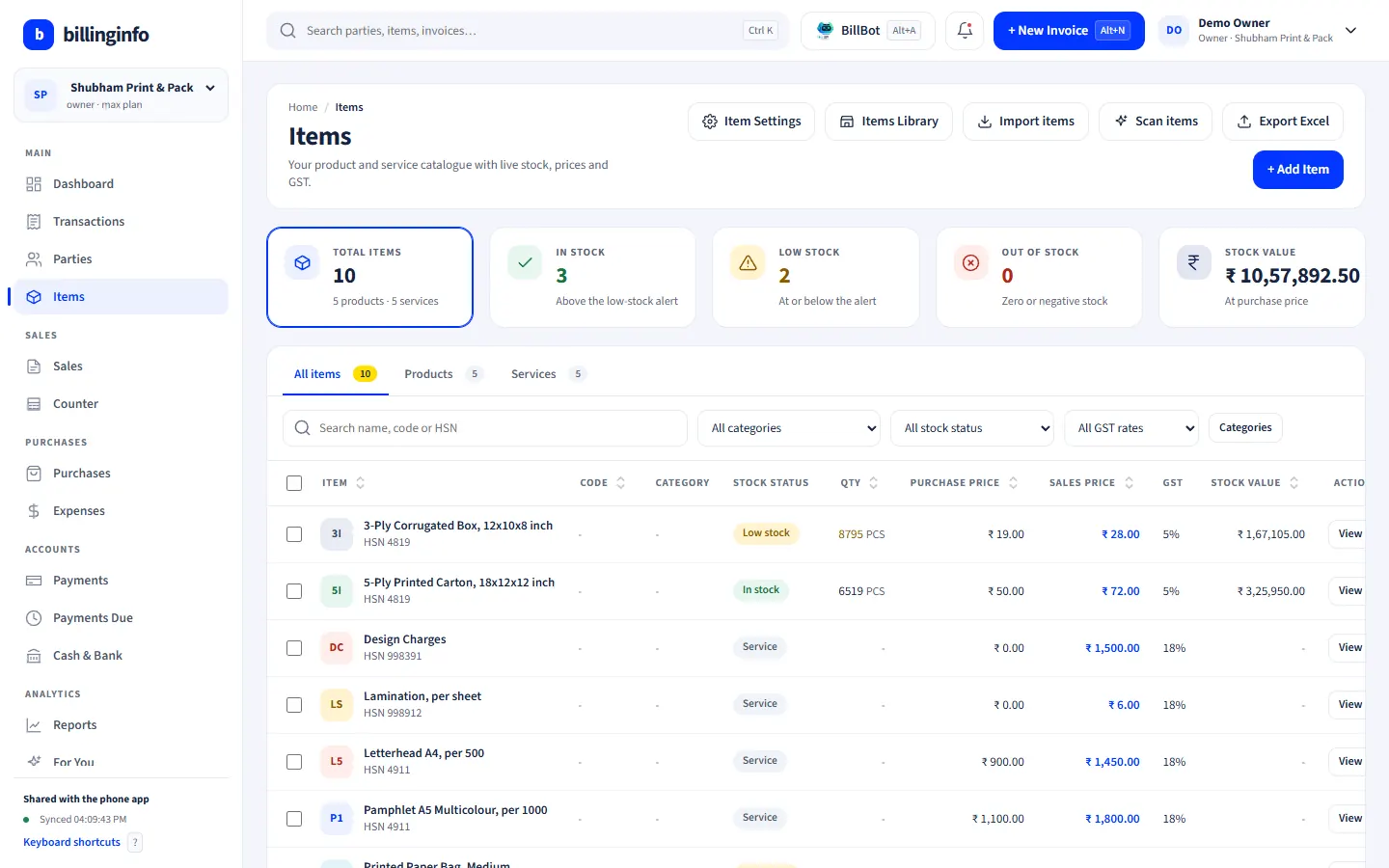
Shown: Shubham Print & Pack, a demo business with made-up data.
Made for
- Offset and digital printers
- Corrugated box makers
- Label and sticker printers
- Wedding card printers
- Packaging material suppliers
Every plan includes GST billing, party ledgers, basic reports and backup. Batches, serial numbers, GST reports and e-Way Bills are on the Plus, Pro and Max plans; see what each plan includes.
At the counter and at the desk.
Bill at the counter on your Android phone; check dues, stock and reports on a big screen at the desk.
- Same login and the same data as your phone
- Opens in Chrome, Edge or any modern browser; nothing to install
- Keyboard billing for long bills: Alt+N for a new invoice, F2 for the party
- Bills made on the phone show up in the browser within seconds, and the other way round
Works in Chrome or Edge on any computer. Nothing to install. Same account and data as the phone app.
Sent us “BILL”?
Save your spot.
Leave your details and we’ll help you set up billinginfo for your shop: your items, your invoice look, your first bill.
Seen us on Instagram? This is the “DM BILL” form. We only use these details to contact you about billinginfo.
Questions, answered.
Something else on your mind? Write to us or see the help page.
Can I add a job number to the invoice?
Yes. Add a custom field such as Job No. in invoice settings; it shows on the bill.
Can I bill services and products together?
Yes. Design or printing charges can be service items next to boxes and labels on the same bill.
Is billinginfo free?
Yes. Free is free forever for up to 15 sales invoices a month, with stock, parties, payments, basic reports and backup. Plus, Pro and Max add unlimited invoices, GST reports, batches and serial numbers, e-Way Bills, AI bill scans, BillBot and more. Try Plus for a week at ₹9. See pricing.

Your next bill can be a better one.
Free for 15 invoices a month. Try Plus for a week at ₹9.
Download for Android