
Reads the whole bill
Supplier name and GSTIN, bill number and date, every line with HSN, quantity, rate, discount and tax.
Photograph a purchase bill or pick a PDF. billinginfo reads the supplier, items, quantities, rates, GST and totals, checks the maths, and fills in the purchase for you to review.
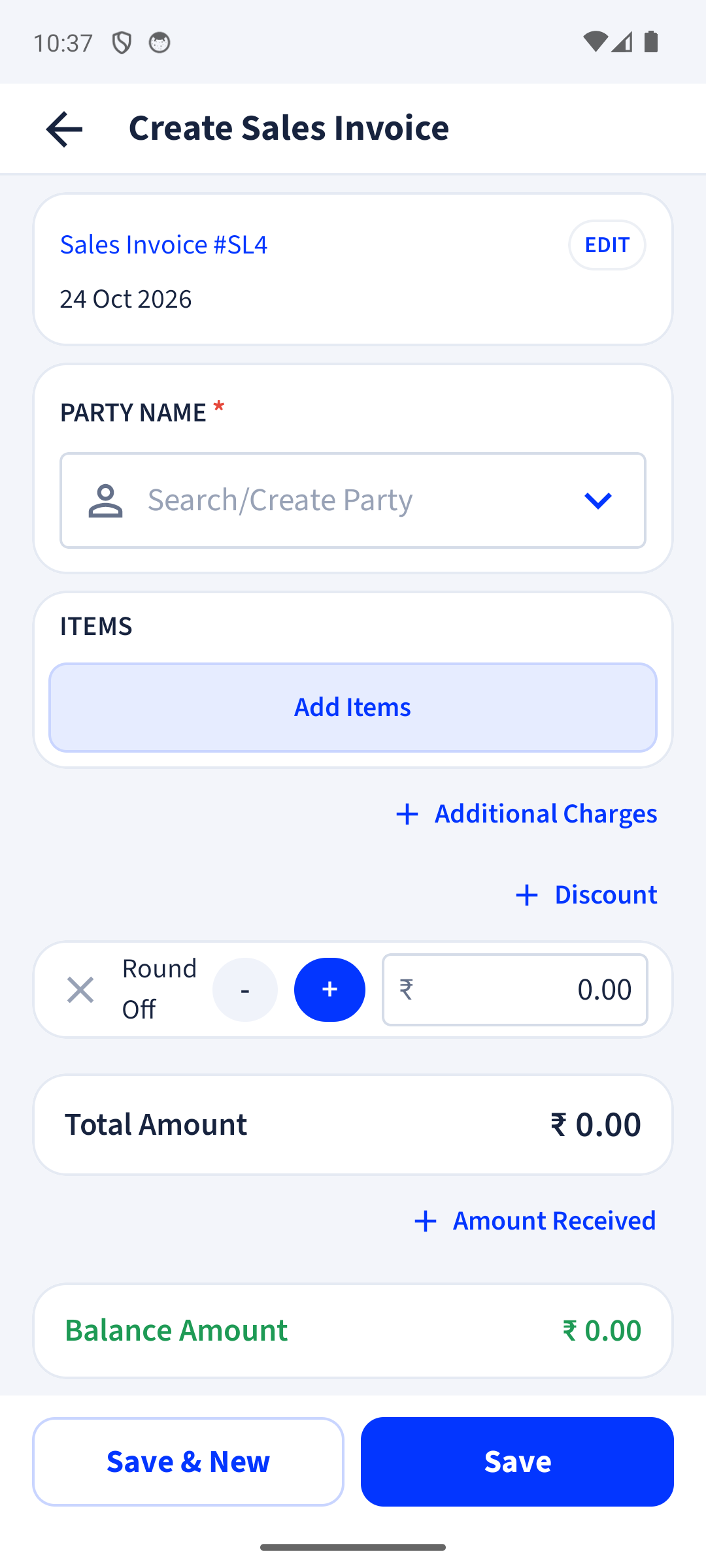
Supplier name and GSTIN, bill number and date, every line with HSN, quantity, rate, discount and tax.
Quantity × rate, tax and line totals must add up to the bill total, and the GSTIN check digit must match. If not, it reads the bill again.
Matched items get their stock, batches and purchase prices updated when you save.
A helper on your phone spots invoice photos in your gallery so you can pick them quickly. That search runs on the phone only.
The photo is sent to an AI model (OpenAI) to read the text. Only the bills you choose to scan are sent, and nothing is saved until you review it.
Every field stays editable. billinginfo flags totals that don’t add up so you can check them.
Yes. Billing, stock, parties, payments, expenses, reports and backup are free. Invoices on the Free plan carry a small “Made with billinginfo” mark. Premium is coming soon; we will show its price and what it adds before anyone can buy it.
Free to start. Works on any Android phone, and in your browser.