
Which customer bought this unit?
Warranty and exchange claims need the IMEI or serial, and the bill.
Record IMEI and serial numbers when you buy, print them on the bill when you sell, and find any unit in seconds when a warranty claim comes in.
Warranty and exchange claims need the IMEI or serial, and the bill.
High-value handsets and small accessories need different handling.
Payments in parts, by card, UPI and cash.
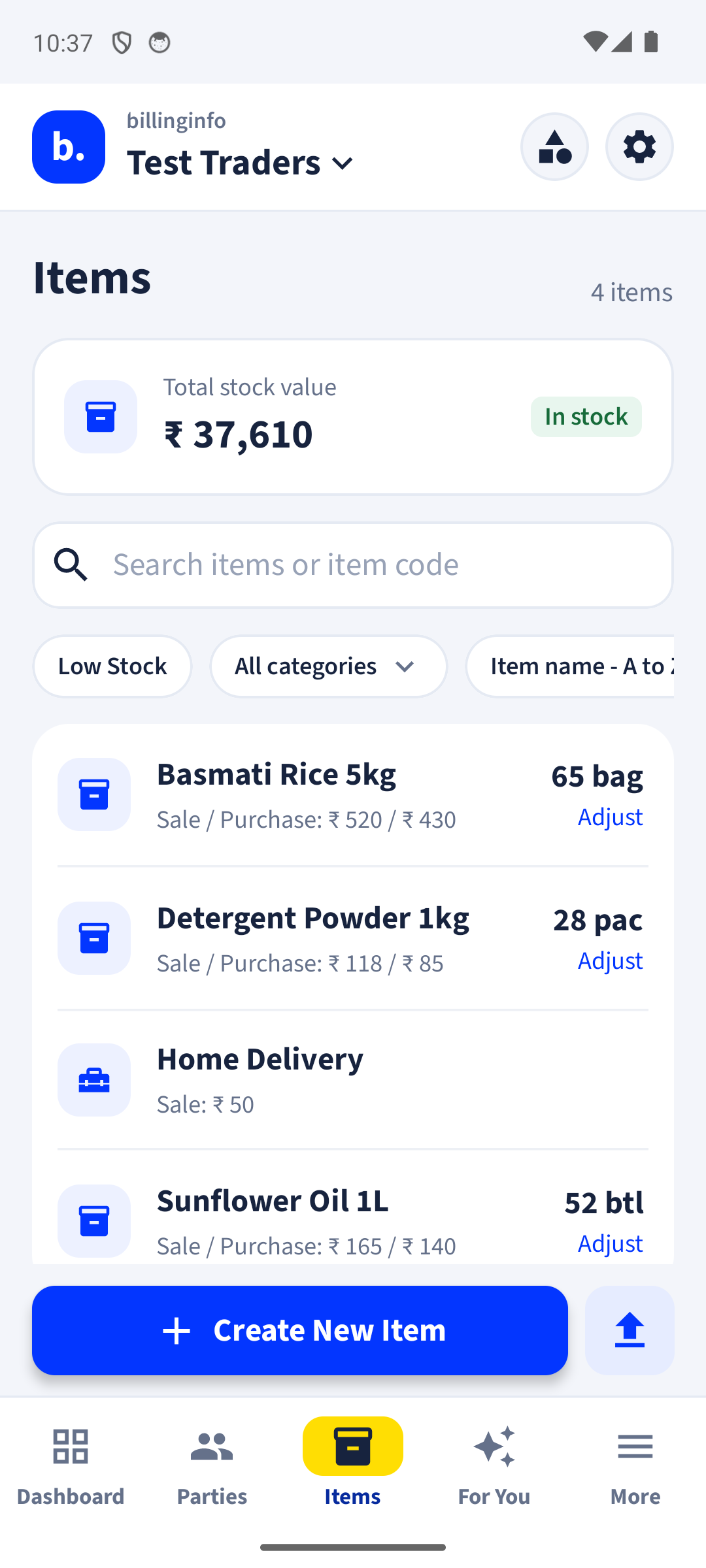
Capture serial or IMEI numbers per unit on purchase; pick them when selling.
The IMEI or serial prints under the item on every invoice design.
Search a serial number to see when it came in and who bought it.
Print labels for accessories and scan them at the counter.
One bill paid partly by cash, UPI and card.
Sales and stock by brand, category and model.
Also need the basics? Every plan includes GST billing, party ledgers, GST reports and backup.
Yes. Turn on serial numbers for an item and record each IMEI on purchase; select it when you sell.
Yes, under the item name on every invoice design.
Yes. Billing, stock, parties, payments, expenses, reports and backup are free. Invoices on the Free plan carry a small “Made with billinginfo” mark. Premium is coming soon; we will show its price and what it adds before anyone can buy it.
Your records live on your phone, so you can keep billing when the network drops. Changes back up and sync as soon as you are online again. Signing in, GSTIN lookup, e-Way Bills and AI bill scan need a connection.
Leave your details and we’ll help you set up billinginfo for your shop: your items, your invoice look, your first bill.
Seen us on Instagram? This is the “DM BILL” form. We only use these details to contact you about billinginfo.
Free to start. Works on any Android phone, and in your browser.