
Long bills, a full keyboard
Type 50-line wholesale bills and purchase entries faster.
The web app opens in Chrome, Edge or any modern browser. Same login, same business, same data as your phone. Nothing to install.
Sign in with your mobile number or with Google.
Type 50-line wholesale bills and purchase entries faster.
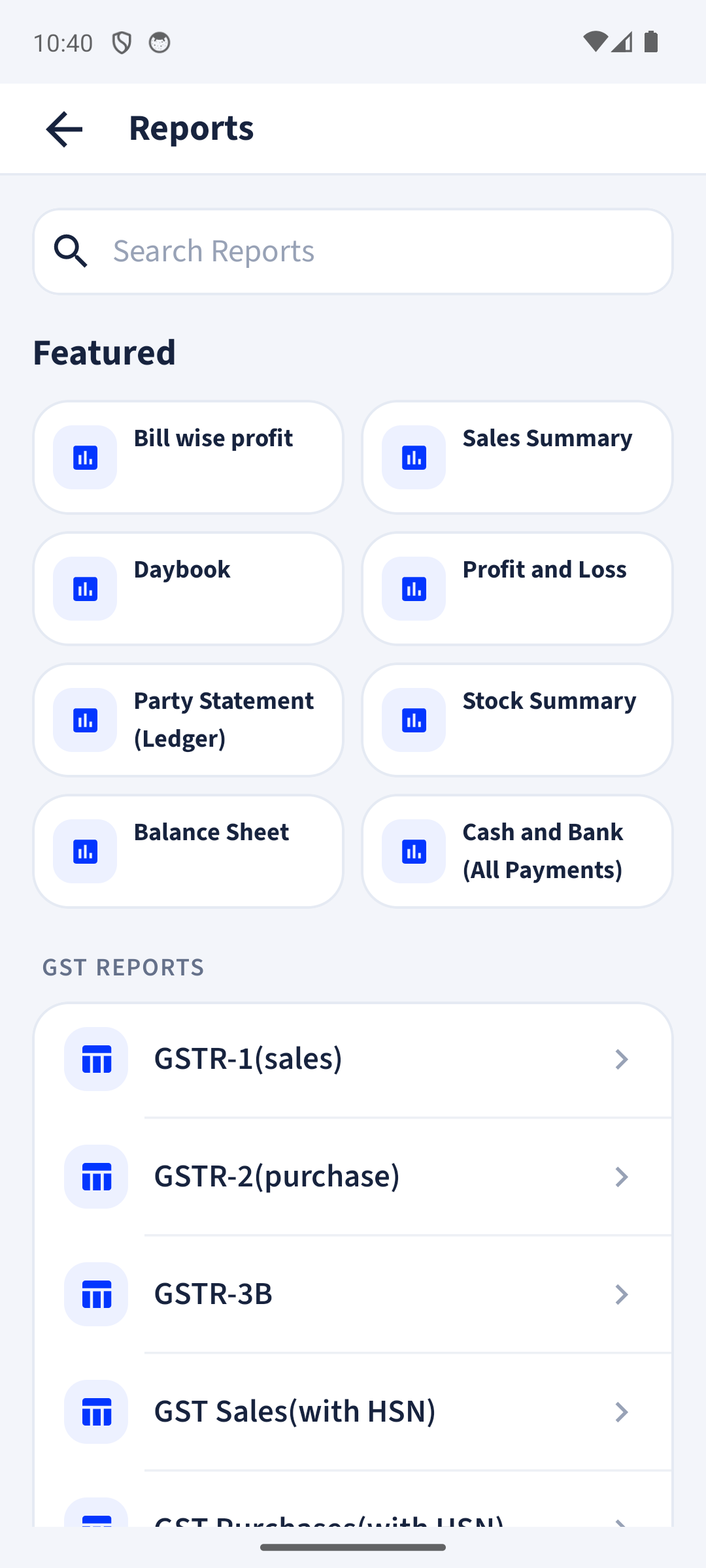
Read GST reports and ledgers on a wide screen and download them.
Print A4 invoices on any printer your computer can use.
Bills made on the phone show up in the browser and the other way round.
New to billinginfo? You can start on the web too, then add the Android app later.
Yes. The web app opens in any browser and shows the same business as your phone. Sign in with the same mobile number or Google account.
With your mobile number and a one-time SMS code, or with your Google account. No passwords to remember.
Records are backed up to our cloud servers automatically and travel encrypted. You can lock the app with your fingerprint or screen lock, and give staff only the access they need. We never sell your data. Read the privacy policy.
Yes. Billing, stock, parties, payments, expenses, reports and backup are free. Invoices on the Free plan carry a small “Made with billinginfo” mark. Premium is coming soon; we will show its price and what it adds before anyone can buy it.
Free to start. Works on any Android phone, and in your browser.