
Automatic backup
Every bill, payment and item backs up on its own. No button to press.
Your records are on your phone for speed and backed up to the cloud for safety, and the same business opens on every device you use.
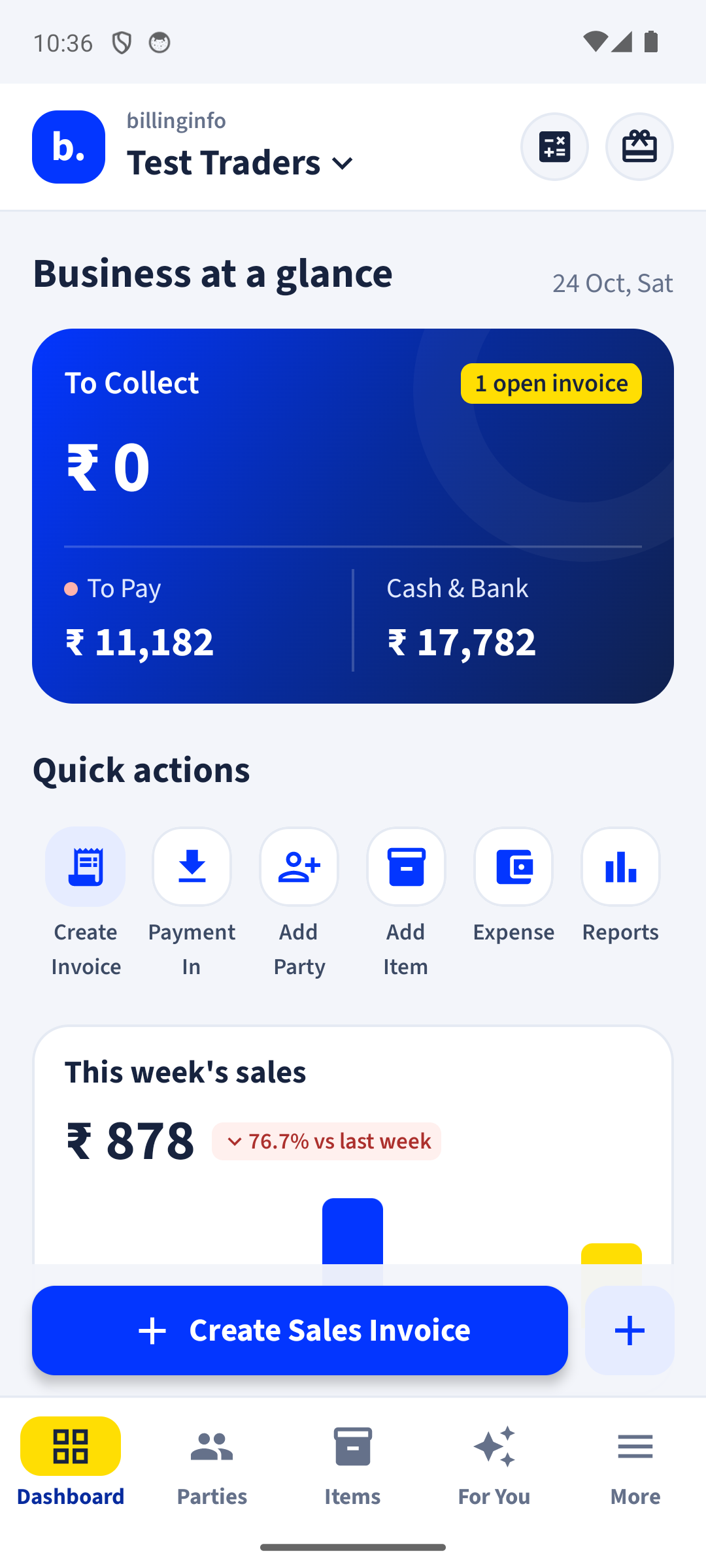
Every bill, payment and item backs up on its own. No button to press.
Bill on the phone at the counter and check reports on the computer, with the same data.
You and your staff work on the same records at the same time.
Protect the app with your fingerprint or the phone’s screen lock.
Your records live on your phone, so you can keep billing when the network drops. Changes back up and sync as soon as you are online again. Signing in, GSTIN lookup, e-Way Bills and AI bill scan need a connection.
Records are backed up to our cloud servers automatically and travel encrypted. You can lock the app with your fingerprint or screen lock, and give staff only the access they need. We never sell your data. Read the privacy policy.
Yes. The web app opens in any browser and shows the same business as your phone. Sign in with the same mobile number or Google account.
Free to start. Works on any Android phone, and in your browser.