
GSTIN autofill
Enter a GSTIN for a customer, supplier or your own business and get the registered name, address and state.
Look up any GSTIN to fill in the party’s name and address, and make e-Way Bills straight from your invoices.
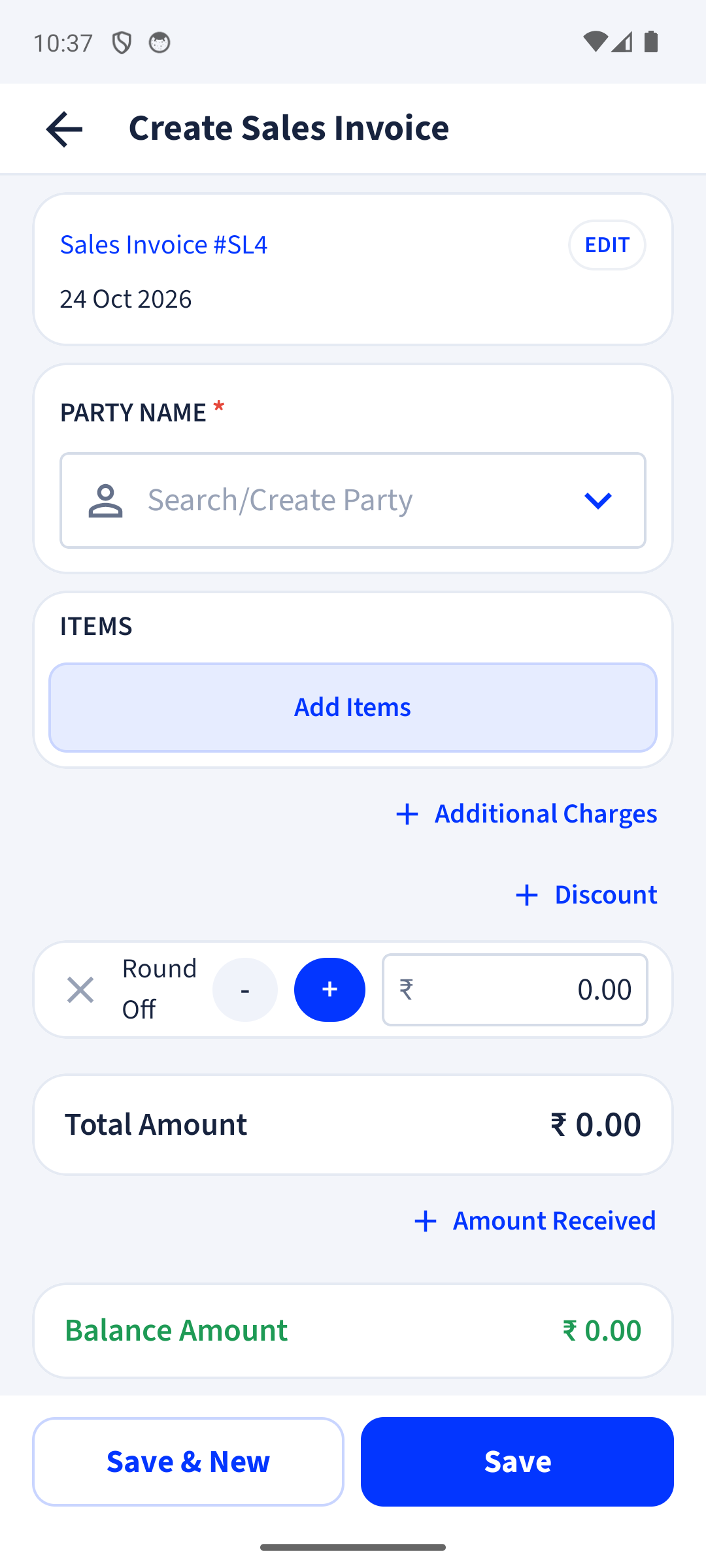
Enter a GSTIN for a customer, supplier or your own business and get the registered name, address and state.
Generate the e-Way Bill from a sales invoice, delivery challan or return, without retyping anything on the portal.
Add or change vehicle details (Part B), extend validity, cancel, or make a consolidated e-Way Bill.
IRN generation for businesses above ₹5 crore turnover is on the way.
COMING SOONYes, GSTIN lookup is in the Free plan.
Sales invoices, delivery challans and returns. Open the bill and choose e-Way Bill.
e-Way Bills come with Premium, with fair use. Premium is coming soon.
Not yet. e-Invoicing is for businesses above ₹5 crore turnover and is coming soon. e-Way Bills and GSTIN autofill are available now.
Free to start. Works on any Android phone, and in your browser.