
Expired stock eats profit
Strips expire on the shelf because nobody knew which batch to sell first.
Batches, expiry dates and MRP on every strip. billinginfo picks the batch that expires first, warns you before stock goes bad, and reads your distributor’s bill for you.
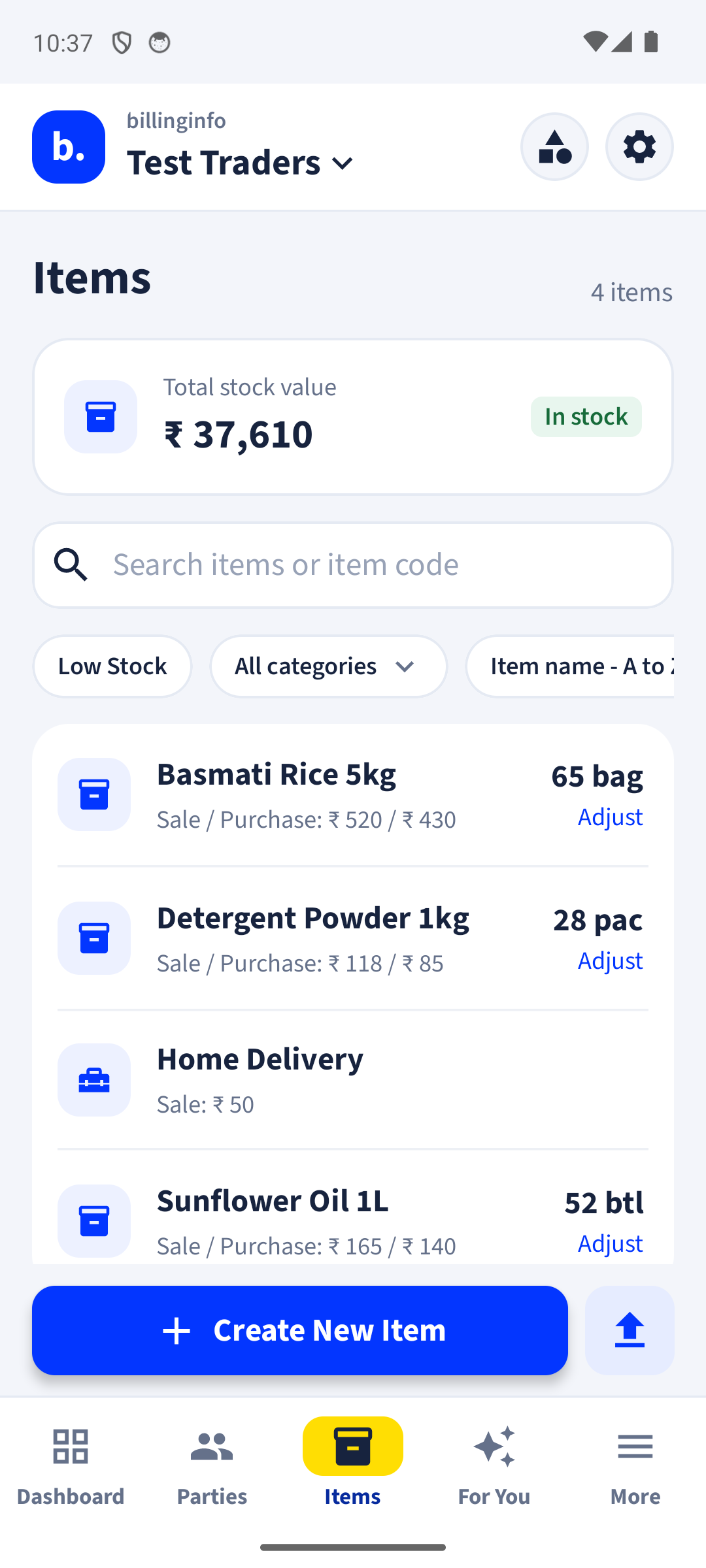
Strips expire on the shelf because nobody knew which batch to sell first.
Typing 40 lines from every purchase bill, with batch, expiry and rates.
Setting up a medical store’s item list by hand takes weeks.
Batch number, expiry and manufacturing date, and MRP per batch, entered on purchase and printed on the bill.
When you bill a medicine, the batch that expires first is picked for you. You can still choose another.
A screen and a daily alert list batches nearing expiry, so you can return or sell them in time.
Add medicines from the Items Library by category and brand, with HSN and GST already set.
Photograph the purchase bill. Items, batches, expiry, rates and GST are filled in for you to check.
Buy by the box, sell by the strip or tablet; stock and price convert on their own.
Drug licence number, batch, expiry and MRP on the invoice, with discount on MRP.
Scan the pack barcode with your phone camera to add it to the bill.
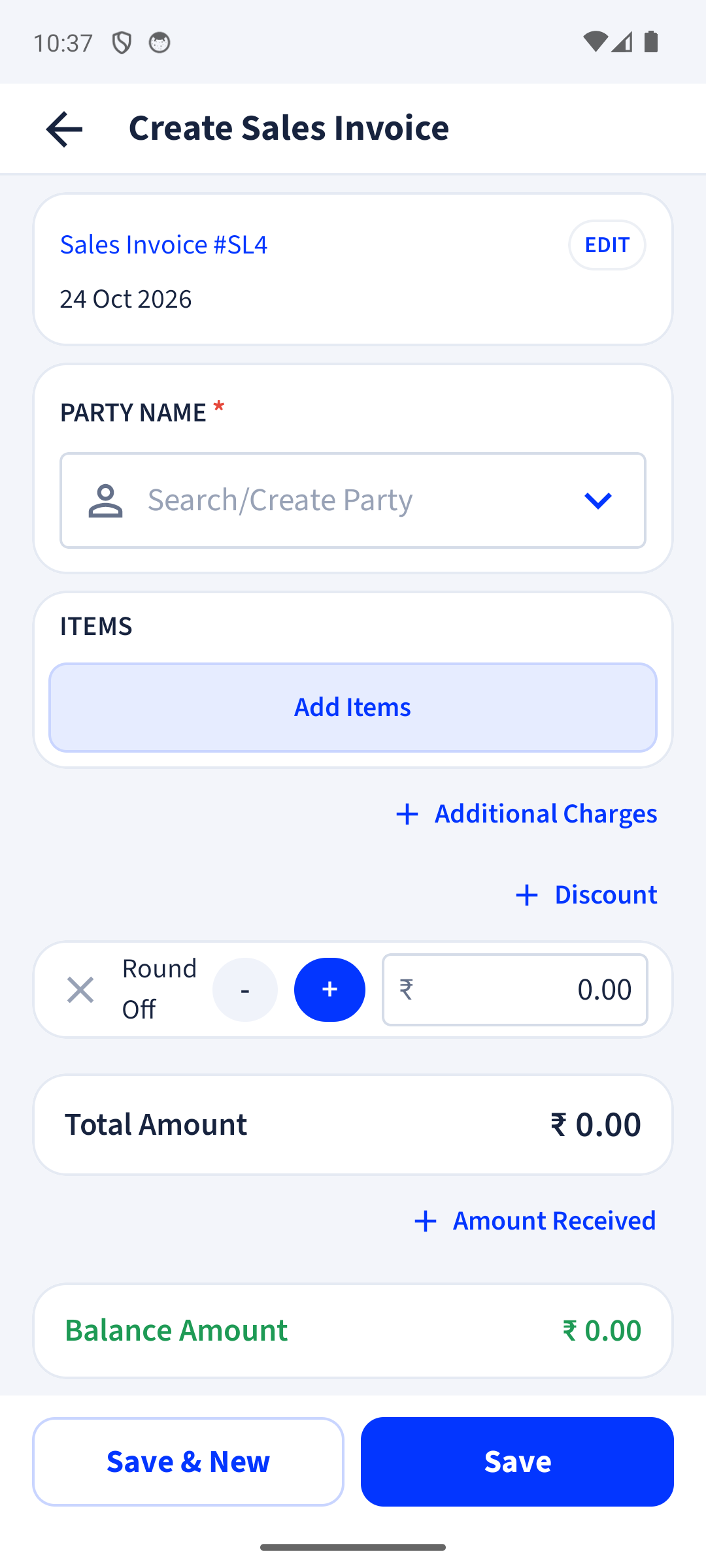
Also need the basics? Every plan includes GST billing, party ledgers, GST reports and backup.
When you add a batch-tracked medicine to a bill, billinginfo lists its batches with stock, earliest expiry first, and selects that one. Expired batches are flagged.
Yes. Upload Excel or CSV with batch, expiry, MRP and stock (one row per batch), pick from the pharma catalogue in the Items Library, or both.
Yes. Add it in business settings and it prints on your invoices.
Yes, with 58 mm and 80 mm Bluetooth thermal printers, as well as A4 and A5.
Yes. Billing, stock, parties, payments, expenses, reports and backup are free. Invoices on the Free plan carry a small “Made with billinginfo” mark. Premium is coming soon; we will show its price and what it adds before anyone can buy it.
Your records live on your phone, so you can keep billing when the network drops. Changes back up and sync as soon as you are online again. Signing in, GSTIN lookup, e-Way Bills and AI bill scan need a connection.
Leave your details and we’ll help you set up billinginfo for your shop: your items, your invoice look, your first bill.
Seen us on Instagram? This is the “DM BILL” form. We only use these details to contact you about billinginfo.
Free to start. Works on any Android phone, and in your browser.