Free tool
GST invoice generator
Type your details and items, and get a tax invoice with CGST, SGST or IGST worked out to the paisa. Print it or save it as a PDF. Nothing is uploaded: the invoice stays in your browser.
Your draft is kept in this browser only.
Runs in your browser. Nothing you type is sent to billinginfo.
What goes on a GST tax invoice
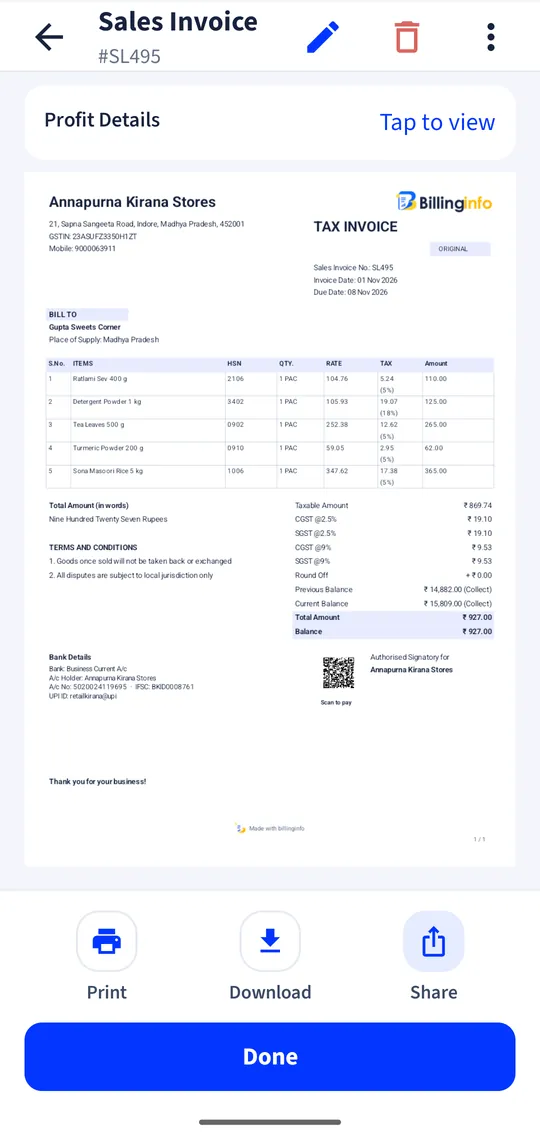
Rule 46 of the CGST Rules lists what a tax invoice must show: your name, address and GSTIN; a serial number of up to 16 characters that is unique for the financial year; the date; the customer’s name, address and GSTIN if registered; the HSN or SAC code; description, quantity, unit and value; the taxable value; the rate and amount of CGST, SGST or IGST; the place of supply with the State name and code for inter-State supplies; and a signature. This generator lays all of that out. Read the full list in our tax invoice format and GST invoice rules guide.
How the tax is worked out
Each line is quantity × rate, less the discount, rounded to the paisa. Lines are grouped by GST rate. When your State and the place of supply are the same, each group gets CGST and SGST at half the rate; otherwise it gets IGST at the full rate. The total can be rounded to the nearest rupee, with the difference shown as round off. Arithmetic is exact decimal, the same method as the billinginfo app.
Privacy
The invoice is built in your browser. Nothing you type is sent to billinginfo or anyone else; the draft is saved only in this browser so you don’t lose it on refresh. Use “Start a new invoice” to clear it.
When you need more than one invoice
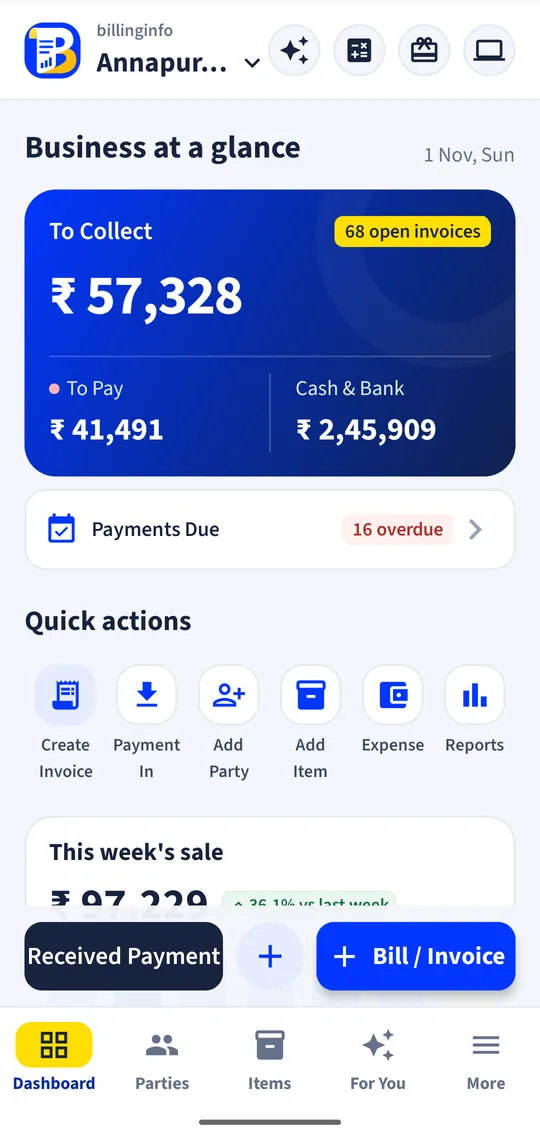
A generator is fine for an occasional bill. If you bill every day, the billinginfo app keeps your numbering, customers, items and stock, and builds GSTR-1 and GSTR-3B reports from your bills. It is free for 15 invoices a month.
Is the invoice valid without a signature?
Rule 46 asks for the signature or digital signature of the supplier or an authorised representative. Print and sign it, or sign the PDF digitally. Invoices that go through e-invoicing don’t need one.
Can I use it if I am not registered for GST?
An unregistered business can’t issue a tax invoice or charge GST. Leave the GSTIN empty and set every rate to 0%: the title changes to “Invoice”. Composition dealers issue a bill of supply instead.
Why does my invoice show IGST?
Because the place of supply is a different State from yours. Choose the customer’s State in “Place of supply”; if it matches your State the invoice shows CGST and SGST.
How do I save the PDF?
Tap “Print or save as PDF” and choose “Save as PDF” as the printer. On Android Chrome, pick “Save as PDF” at the top of the print screen.
Your next bill can
be a better one.
Free for 15 invoices a month. Try Plus for a week at ₹9. On your Android phone and in your browser.