Software
Accounting software thatkeeps itself up to date
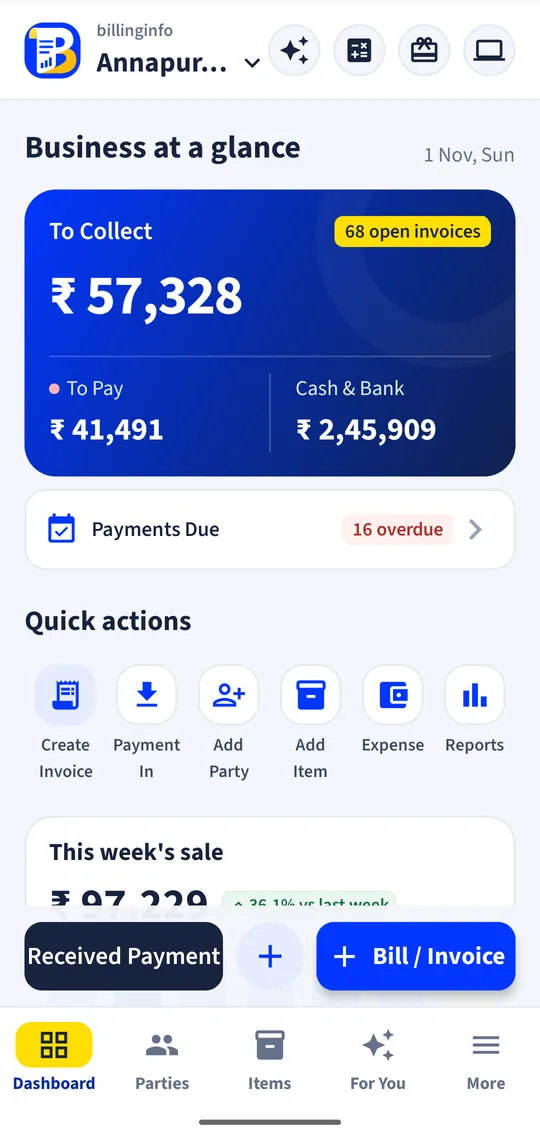
Your books are written as you bill. Every sale, purchase, payment and expense goes into the right ledger, so cash in hand, dues, profit and the balance sheet are always current, with no separate entries.
Free for 15 invoices a monthAndroid and browserHindi, Gujarati and Hinglish
What it does
Party ledgers
A running account for every customer and supplier: invoices, payments, returns and opening balances, with the balance due and a ledger you can share as a PDF or link.
Cash and bank
Cash in hand and each bank account with its running balance; transfers, deposits, withdrawals and balance corrections.
Expenses
Rent, salaries, power, transport and other costs with categories, GST and the input tax credit type, so profit and GST both come out right.
Profit and loss
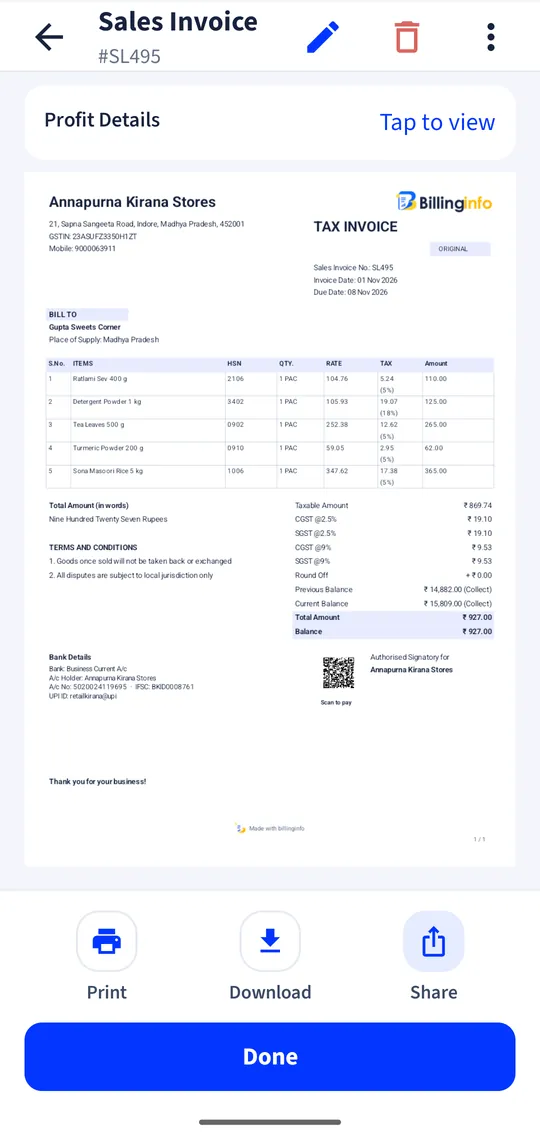
Sales, purchases, stock and expenses rolled into a profit and loss statement for any period, plus the profit on each invoice.
Balance sheet
Assets and liabilities from your records, with your own custom ledgers for loans, capital or fixed assets.
Day book and registers
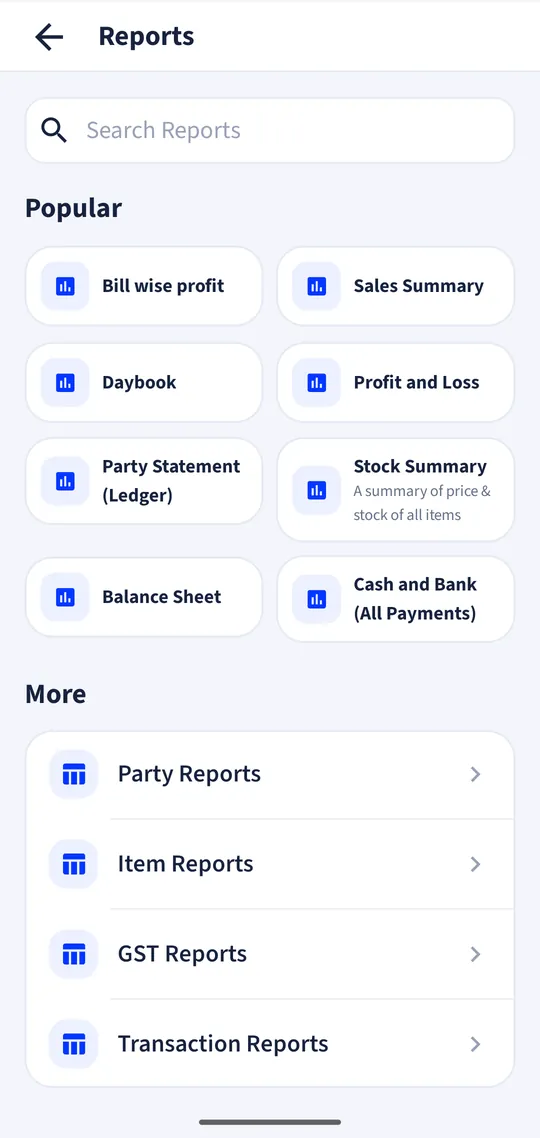
Every transaction of a day in one list, and sales and purchase registers with filters for party, item and staff.
For your accountant
Export reports to PDF, CSV or Excel and email them from the app, or give your CA a free view-only login on paid plans.
Close the financial year
Carry balances forward into the new year and keep last year’s records intact.
Accounting for people who would rather not do accounting
Most small business owners keep books for two reasons: to know where the money is, and to hand the numbers to the accountant at return time. Double-entry software asks you to think in debits and credits. billinginfo works from the documents you already make. A sale on credit raises the customer’s balance; the payment you record against it lowers the balance and adds to cash or bank; an expense comes off profit and, if it carries GST, adds to your input tax credit.
That means the questions you actually ask have direct answers: How much cash should be in the drawer? Who owes me, and since when? Did I make money this month? What do I owe my suppliers?
What to look for
Look for software where the ledgers and the bills are the same data, so nothing is typed twice. Check that payments can be matched to several invoices at once, that a payment split across cash and UPI lands in the right accounts, and that your accountant can get the figures without your phone. Also check the export formats your CA prefers: billinginfo exports PDF, CSV and Excel.
A worked example
You bill a retailer ₹23,600 on 30 days’ credit. Ten days later they pay ₹15,000 by UPI and you allow a ₹100 discount. Record one Payment In against the invoice: the party ledger shows ₹8,500 still due, your bank account rises by ₹15,000, the discount goes to profit and loss, and the invoice moves from unpaid to partly paid. The dues list and the morning reminder update on the phone and the web app.
Get started
- Sign in and add your business; enter opening cash and bank balances.
- Add parties with their opening balances (or import them from your phone contacts).
- Bill and record payments and expenses as they happen.
- Open Reports for the day book, party ledgers, profit and loss and balance sheet.
Is this full double-entry accounting?
billinginfo is built around bills, payments and expenses rather than journal vouchers. It produces party ledgers, cash and bank books, profit and loss and a balance sheet from them. If your CA needs journal-level work, export the data to Excel for them.
Can my accountant see the books?
Yes. Export reports, or on Plus, Pro and Max add a free CA login that can view but not change anything.
Does it handle input tax credit on expenses?
Yes. Each expense records its GST and whether the input credit is eligible, and it flows into the GST reports.
Can I use it on my computer?
Yes. The web app at billinginfo.in/app shows the same books as your phone.
Your next bill can
be a better one.
Free for 15 invoices a month. Try Plus for a week at ₹9. On your Android phone and in your browser.