Software
POS billing softwarefor busy counters
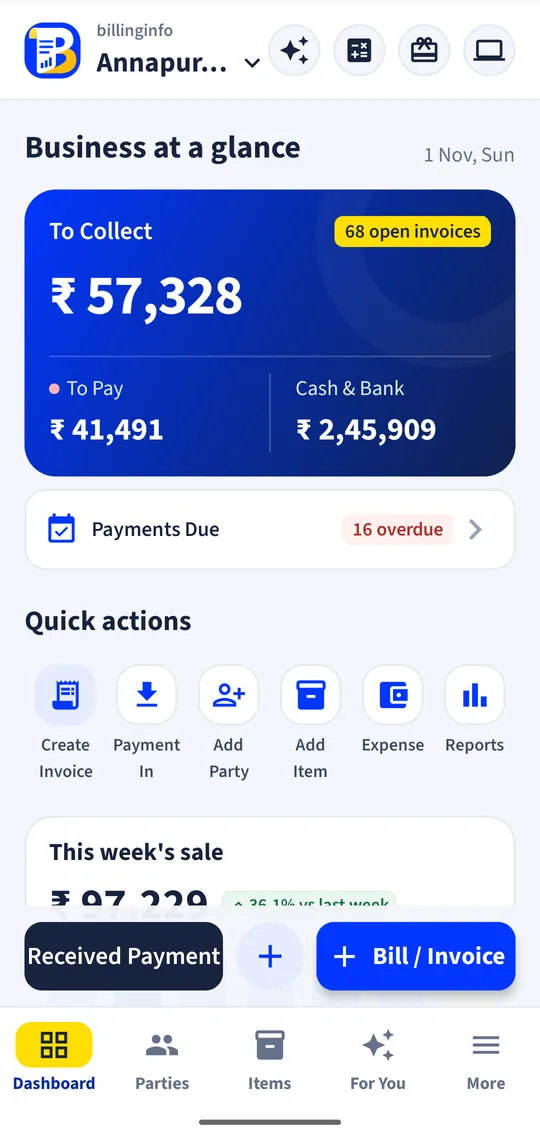
Turn a phone and a Bluetooth printer, or any computer with a browser, into a billing counter. Scan, bill, take payment and print a receipt in seconds, and the stock and cash book follow.
Free for 15 invoices a monthAndroid and browserHindi, Gujarati and Hinglish
What it does
Counter mode
A quick sale screen that skips the party: add items, take payment and save a paid cash sale.
Barcode scanning
Scan pack barcodes with the phone camera. On a computer, a USB barcode scanner types straight into the item box.
Thermal receipts
58 mm and 80 mm Bluetooth ESC/POS printers from the phone; the web app prints the thermal layout through the browser.
Split payments
One bill paid partly in cash, partly by UPI and partly by card, each landing in the right account.
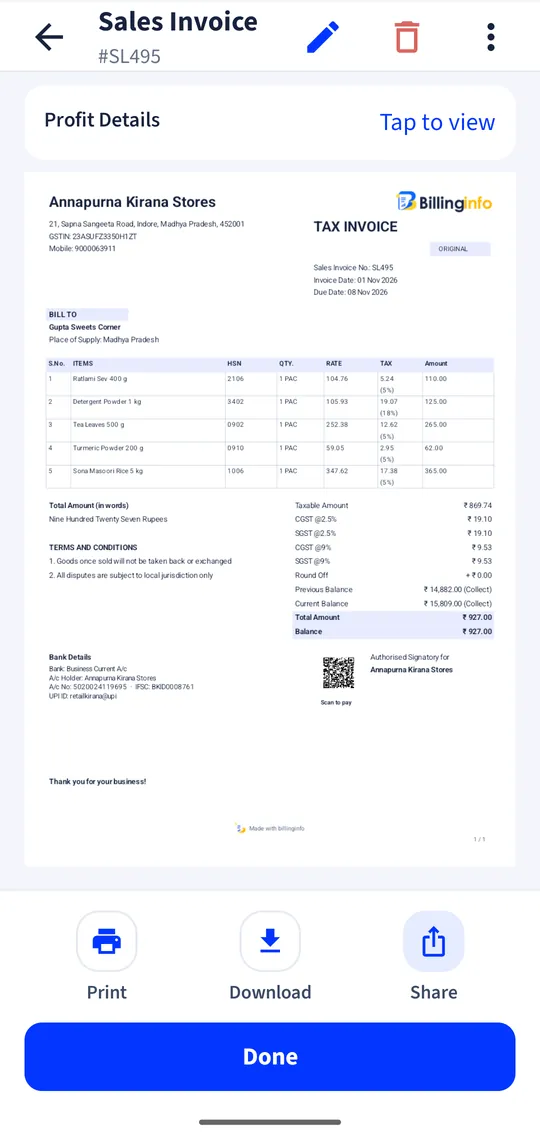
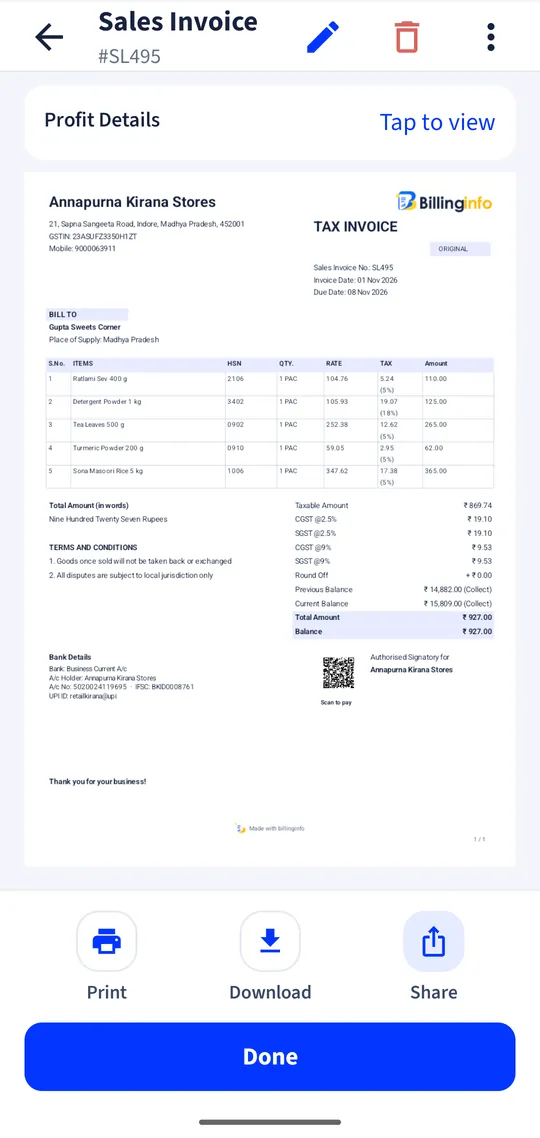
UPI QR on the bill
Print your UPI QR on invoices so customers can pay on the spot.
Keyboard billing on the web
Shortcuts for a new invoice, the party and the item list let a cashier bill without touching the mouse.
Loyalty points
Give points on sales and let customers redeem them on their next bill.
Day-end numbers
Today’s sales, cash in hand and the day book, by staff member if you have more than one cashier.
A POS without the POS hardware
A traditional point-of-sale setup means a desktop, a receipt printer, a cash drawer and software installed on that one machine. For a small counter that is a lot of money before the first bill. billinginfo runs on the Android phone you already own, and a 58 mm Bluetooth thermal printer is enough for receipts. If you prefer a screen and keyboard at the counter, open the web app on any computer: the same items, prices and stock are there.
Because records are saved on the phone first, billing goes on when the internet drops and syncs when it returns. That matters more at a counter than anywhere else.
What to look for in POS software
Speed: how many taps or keys from the first item to a printed receipt. Payments: can one bill take cash and UPI together. Stock: does every sale reduce stock with no extra step. Control: can a cashier bill without seeing your profit, and can you see who billed what. And cost: is there a per-terminal licence? With billinginfo you pay per business plan; Free covers 15 sales invoices a month, and paid plans are unlimited.
A worked example
A customer brings five items to a kirana counter. The cashier scans four barcodes with the phone camera and picks loose sugar from the list, typing 1.5 kg. The total shows with GST already split. The customer pays ₹300 in cash and the rest by UPI; the cashier records both on the same bill, prints the 58 mm receipt and the counter is clear. The cash and bank balances and the item stock have all moved.
Get started
- Pair a 58 mm or 80 mm Bluetooth thermal printer with your phone (optional).
- Add your items with barcodes, or scan them in as you add them.
- Open the Counter, scan or pick items, take payment and print.
- Give cashiers their own logins with a billing-only role.
Do I need special hardware?
No. An Android phone is enough. Add a Bluetooth thermal printer for receipts and, on a computer, any USB barcode scanner.
Can two counters bill at the same time?
Yes. Each cashier signs in with their own login on their own phone or computer, and the stock and sales are shared. The number of logins depends on your plan.
Does it print without the internet?
Yes. Bluetooth printing from the phone works offline.
Can I keep a cash drawer balance?
Cash sales add to cash in hand, and Cash & Bank shows the running balance and every movement.
Your next bill can
be a better one.
Free for 15 invoices a month. Try Plus for a week at ₹9. On your Android phone and in your browser.