For hotels & restaurants
Billing forrestaurants.
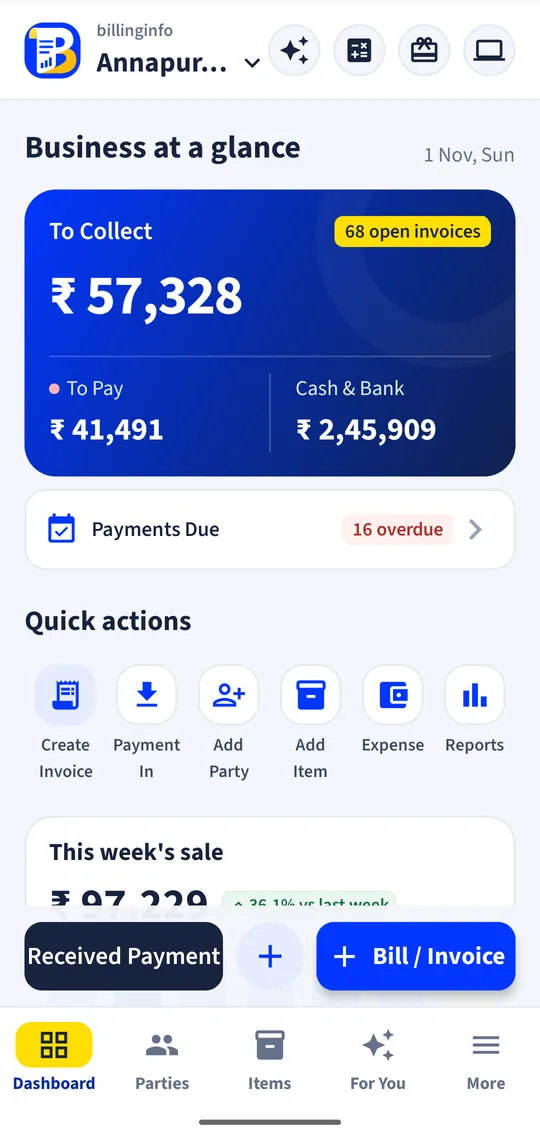
Take orders by table, send KOTs to the kitchen, and turn them into a GST bill in one tap, on the phone at the counter or in the browser.
Android app + website, same dataFree to start
Why switch
The problems we fix.
What owners in this trade told us costs them time and money, and what billinginfo does about it.
Orders on paper slips
KOT slips get lost and items never reach the bill.
Tables move and merge
Guests change tables, join friends or ask to split the bill.
Rush-hour billing
Adding up a table’s KOTs by hand while the queue grows.
Features
Built for your restaurant.
Every tool below is in the same app and the same website, with your items, parties and bills.
Tables and sections
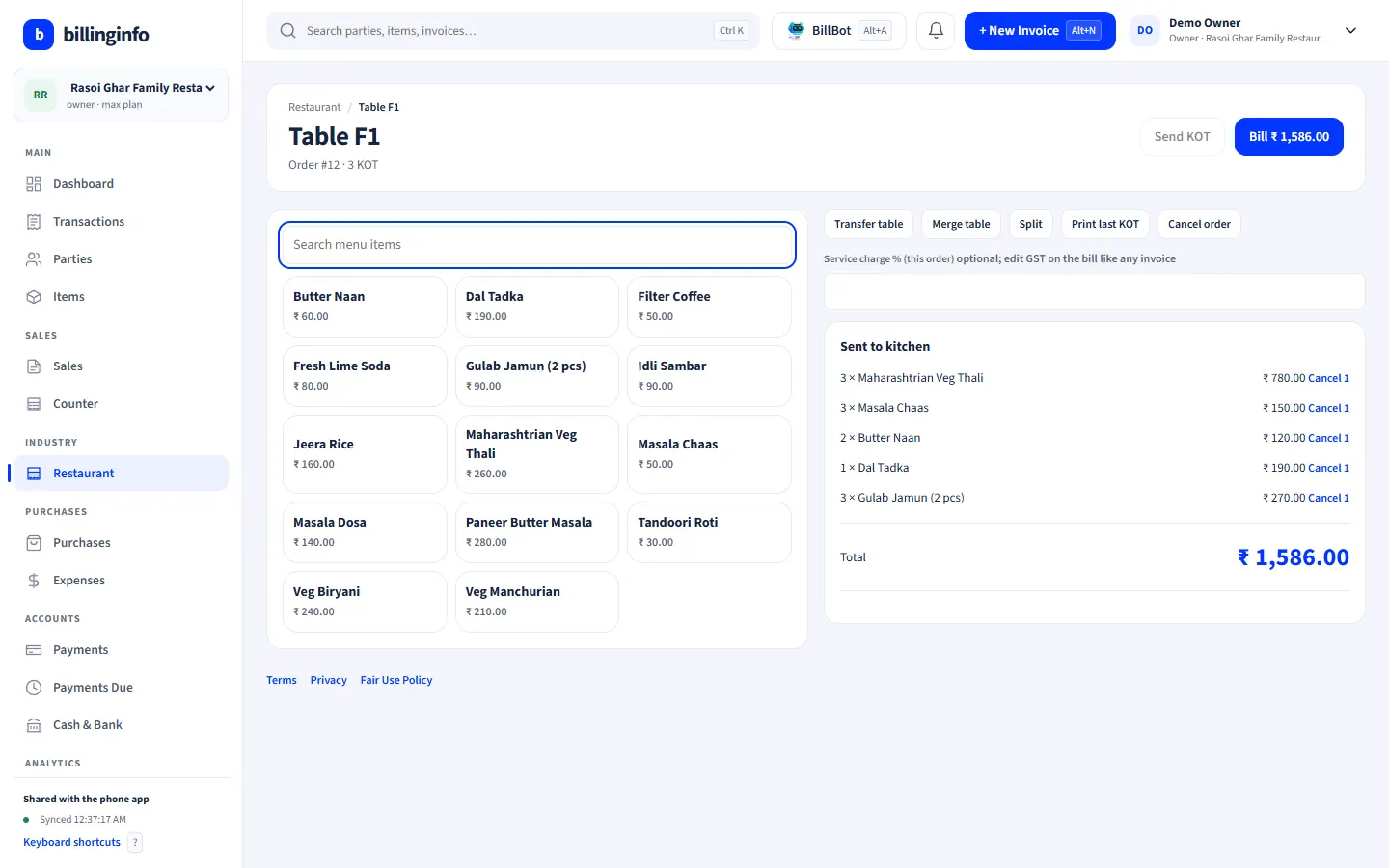
AC, non-AC, family or terrace sections with seats. See which tables are running, for how much and for how long.
KOTs to the kitchen
Tap items, add a note like “less spicy” and send the KOT. The phone prints it on a Bluetooth thermal printer; the web app prints through the browser. Cancelled items print as CANCEL on the next KOT.
Running orders, takeaway and delivery
Keep adding KOTs to a table. Takeaway and delivery orders carry the customer’s name, mobile and address.
Move, merge and split
Move an order to another table, merge two tables, or split items off to another table or a takeaway.
Bill from the KOTs
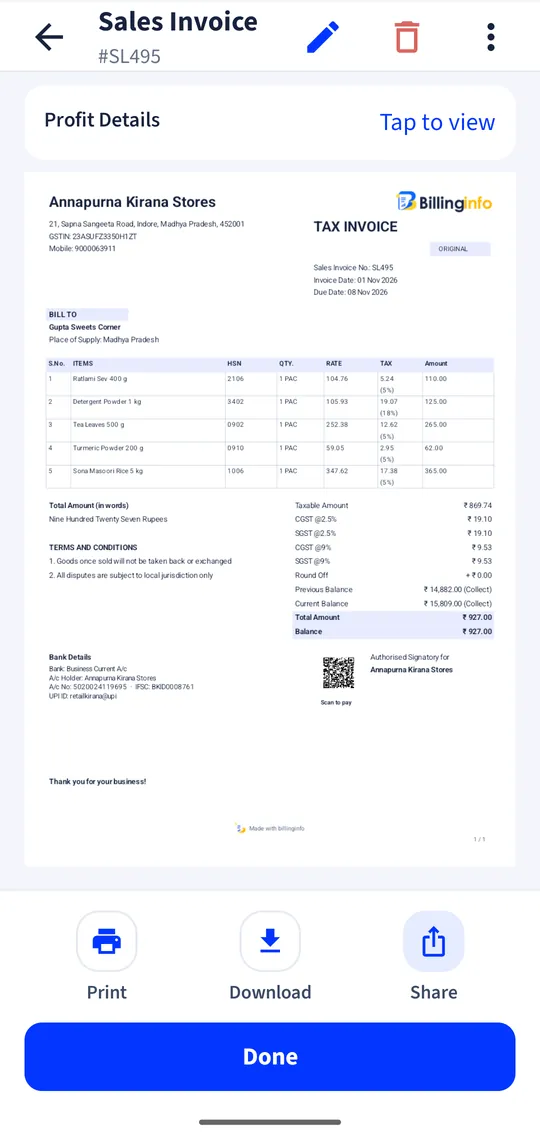
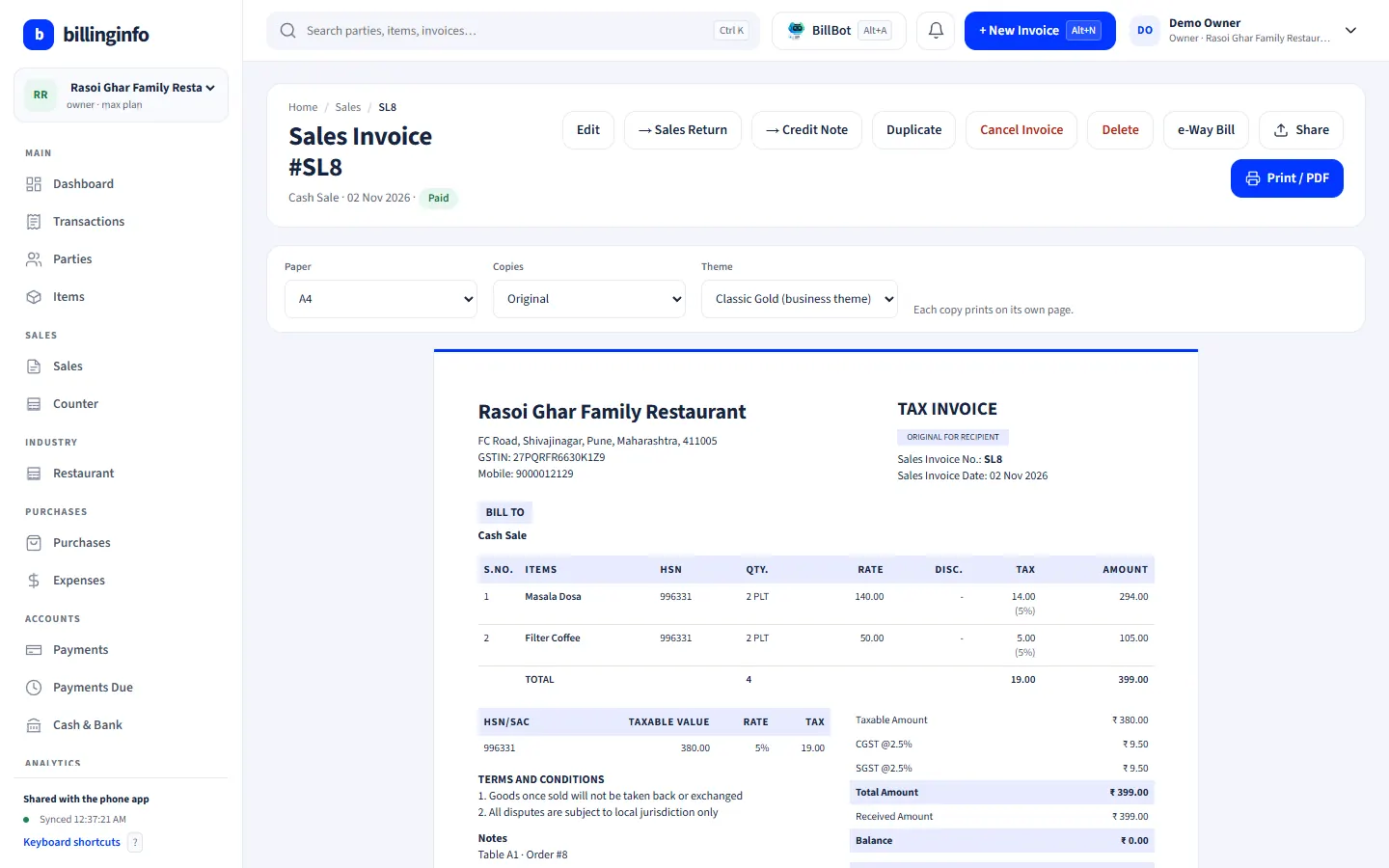
One tap makes the GST invoice from all KOTs, items merged, with an optional service charge, and frees the table. Print it, share it and take cash, UPI, card or split payments like any bill.
Restaurant GST
5% GST by default, with an 18% option for restaurants in hotels with room tariffs above ₹7,500.
Made for
Who uses it.
Shown: Rasoi Ghar Family Restaurant, a demo business with made-up data.
- Family restaurants and dhabas
- Thali and South Indian restaurants
- Cafés and quick-service counters
- Hotel restaurants
- Bakeries and sweet shops with seating
The Restaurant module switches on by itself when your industry type is Hotels & Restaurants, and any business can turn it on in Business Settings → Industry modules. Industry modules are part of the Plus, Pro and Max plans (try Plus for a week at ₹9). Every plan includes GST billing, party ledgers, basic reports and backup; see what each plan includes.
Can waiters take orders on their own phones?
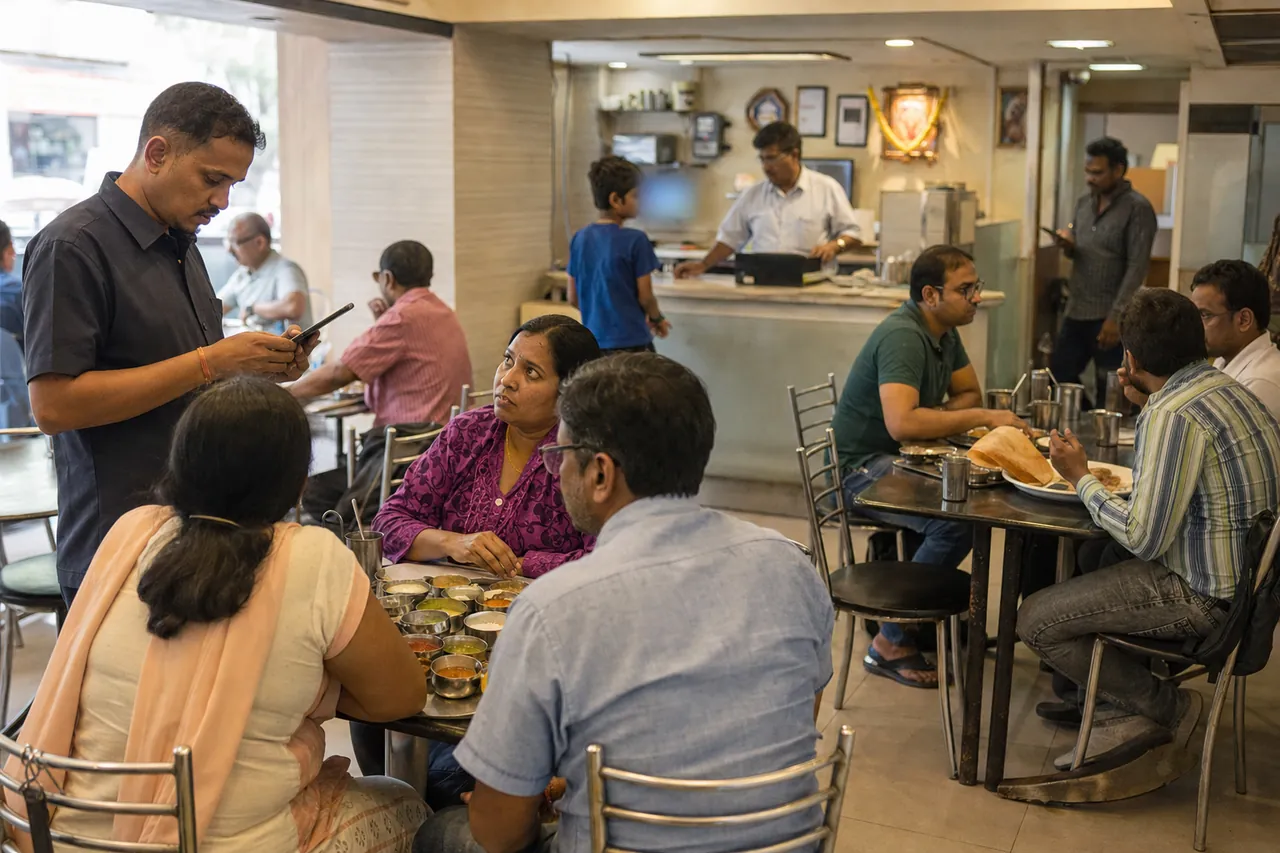
Yes. Give a waiter a Salesman login; they can take orders and send KOTs, and the table updates on every phone and computer.
Do I need a KOT printer?
No. A Bluetooth thermal printer paired with the phone prints KOTs, and on a computer KOTs print through the browser to any printer. You can also take orders without printing.
How do I switch on the Restaurant tools?
They come on by themselves when your industry type is Hotels & Restaurants. Otherwise open Business Settings → Industry modules and switch on Restaurant. Industry modules are part of the Plus, Pro and Max plans, on the phone and in the web app.
Is billinginfo free?
Yes. Free is free forever for up to 15 sales invoices a month, with stock, parties, payments, basic reports and backup. Plus, Pro and Max add unlimited invoices, GST reports, batches and serial numbers, e-Way Bills, AI bill scans, BillBot and more. Try Plus for a week at ₹9. See pricing.
Free setup help
We’ll set it up
with you.
Leave your details and we’ll call to help with your items, your invoice look and your first bill. No charge.
- Your item list imported from Excel
- Invoice design with your logo and bank details
- Staff logins and roles
Sent us “BILL” on Instagram? This is the form. We only use these details to contact you about billinginfo.
Other trades
Also used by.
Every trade has its own page, its own demo business and its own setup.
Your next bill can
be a better one.
Free for 15 invoices a month. Try Plus for a week at ₹9. On your Android phone and in your browser.