For logistics & transport
Billing fortransporters.
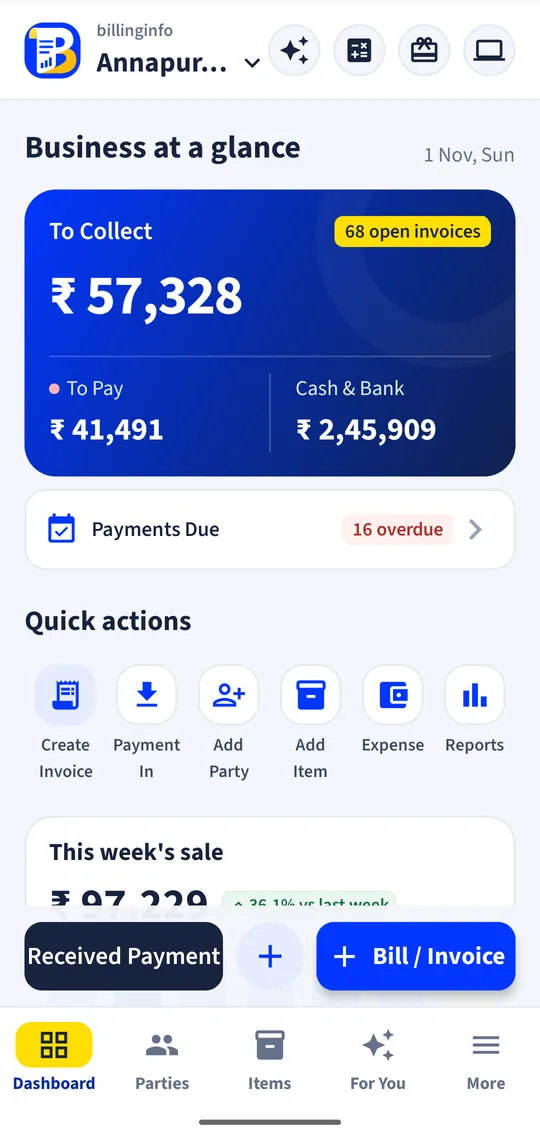
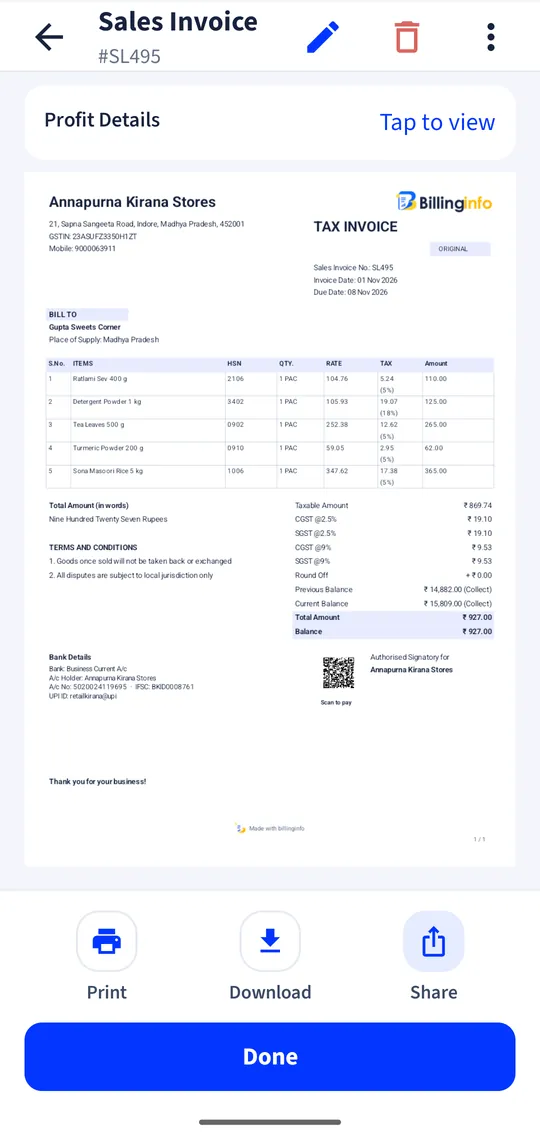
Book a consignment in seconds, print the lorry receipt, bill a party per trip or for the whole month, and see what each trip really earned.
Android app + website, same dataFree to start
Why switch
The problems we fix.
What owners in this trade told us costs them time and money, and what billinginfo does about it.
Bilty books and carbon copies
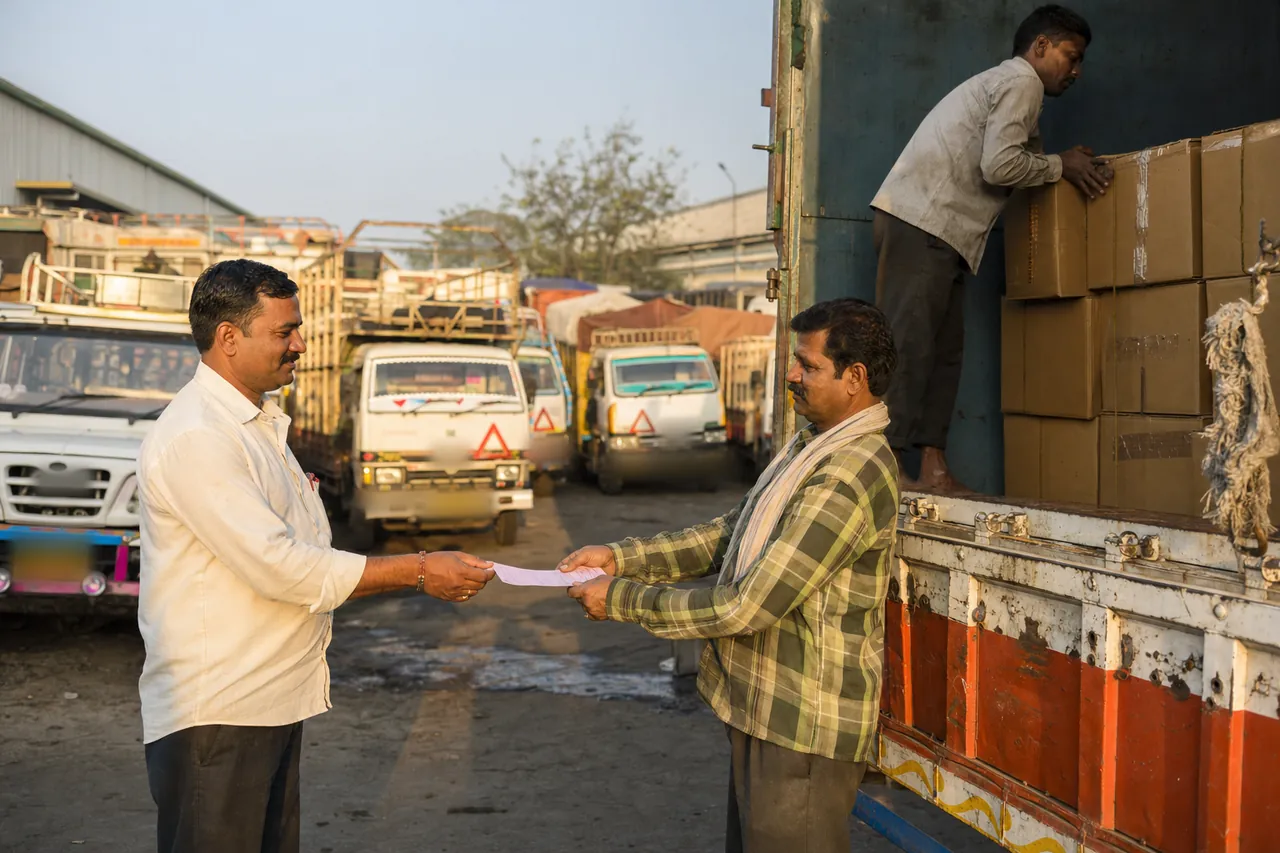
Handwritten LRs that are hard to search and easy to lose.
Monthly freight bills
Collecting a month of LRs for each party and typing them into one bill.
Is the truck making money?
Diesel, tolls and driver advances scattered across notebooks.
Features
Built for your transport office.
Every tool below is in the same app and the same website, with your items, parties and bills.
Lorry receipts
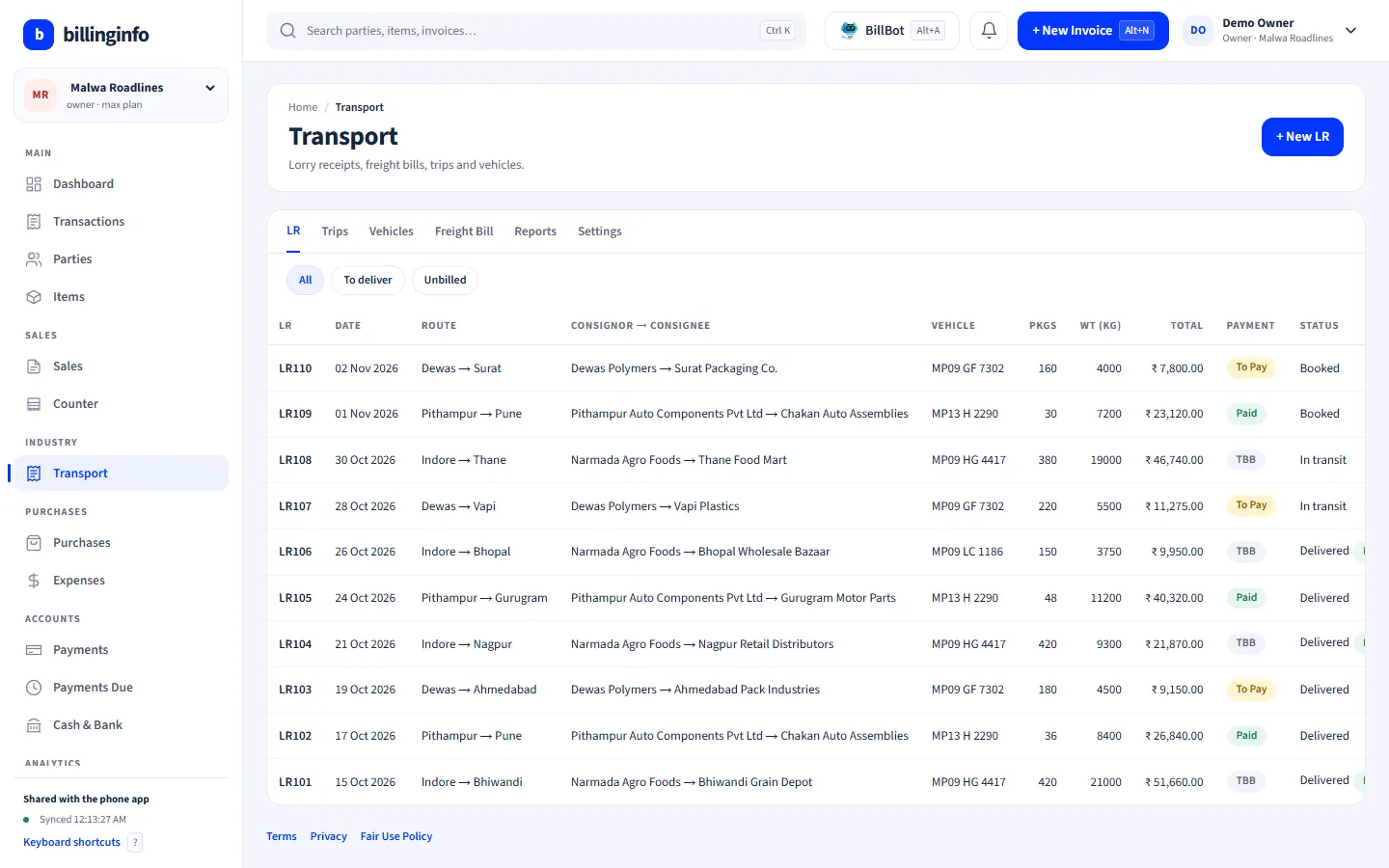
Consignor and consignee, route, vehicle and driver, packages and weights. Freight per kg, per ton, per package or fixed, plus loading, unloading, hamali and door delivery. Paid, To Pay or TBB, with advance and balance.
e-Way Bill details and delivery
The consignor’s invoice number, goods value and e-Way Bill number with its validity on each LR. Track it from booked to in transit to delivered, with a proof-of-delivery note.
Freight bills
Pick a party, choose its unbilled LRs for a trip or a month, and make one GST invoice with a line per LR under SAC 996791.
GST for GTA
Reverse charge (the recipient pays 5%), forward charge at 5%, or 18% with input credit, chosen per bill. Reverse-charge bills carry the note on their own.
Trips and vehicles
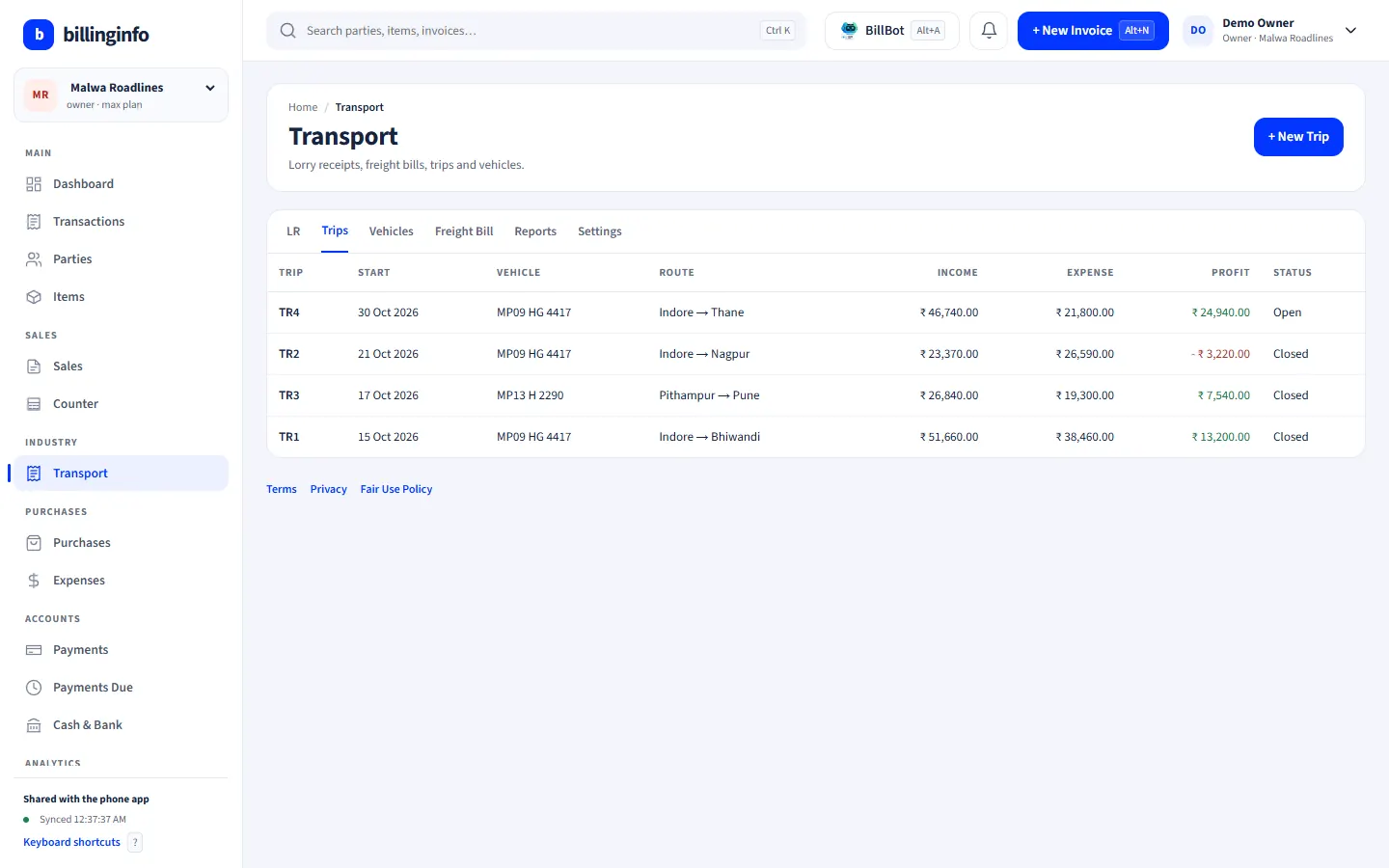
Own and hired vehicles with drivers. Each trip’s LRs, diesel with litres, tolls, driver advance and hire charges, with the trip’s profit and mileage (km/L).
Prints and reports
A4 lorry receipts with consignor, consignee, driver and office copies, a thermal LR (58 or 80 mm), and reports for LRs, unbilled LRs, trip profit and to-pay collections.
Made for
Who uses it.
Shown: Malwa Roadlines, a demo business with made-up data.
- Transport companies and goods transport agencies
- Fleet owners
- Part-load and parcel carriers
- Transport booking offices
- Tempo and mini-truck operators
The Transport module switches on by itself when your industry type is Logistics & Transport, and any business can turn it on in Business Settings → Industry modules. Industry modules are part of the Plus, Pro and Max plans (try Plus for a week at ₹9). Every plan includes GST billing, party ledgers, basic reports and backup; see what each plan includes.
Do trip expenses go into my cash book?
Not automatically. Trip expenses are for trip profit; add cash you paid out under Expenses if you want it in Cash & Bank.
Can my booking clerk make LRs?
Yes. A Salesman login can make lorry receipts; owners, admins and partners make the freight bills.
How do I switch on the Transport tools?
They come on by themselves when your industry type is Logistics & Transport. Otherwise open Business Settings → Industry modules and switch on Transport. Industry modules are part of the Plus, Pro and Max plans, on the phone and in the web app.
Is billinginfo free?
Yes. Free is free forever for up to 15 sales invoices a month, with stock, parties, payments, basic reports and backup. Plus, Pro and Max add unlimited invoices, GST reports, batches and serial numbers, e-Way Bills, AI bill scans, BillBot and more. Try Plus for a week at ₹9. See pricing.
Free setup help
We’ll set it up
with you.
Leave your details and we’ll call to help with your items, your invoice look and your first bill. No charge.
- Your item list imported from Excel
- Invoice design with your logo and bank details
- Staff logins and roles
Sent us “BILL” on Instagram? This is the form. We only use these details to contact you about billinginfo.
Other trades
Also used by.
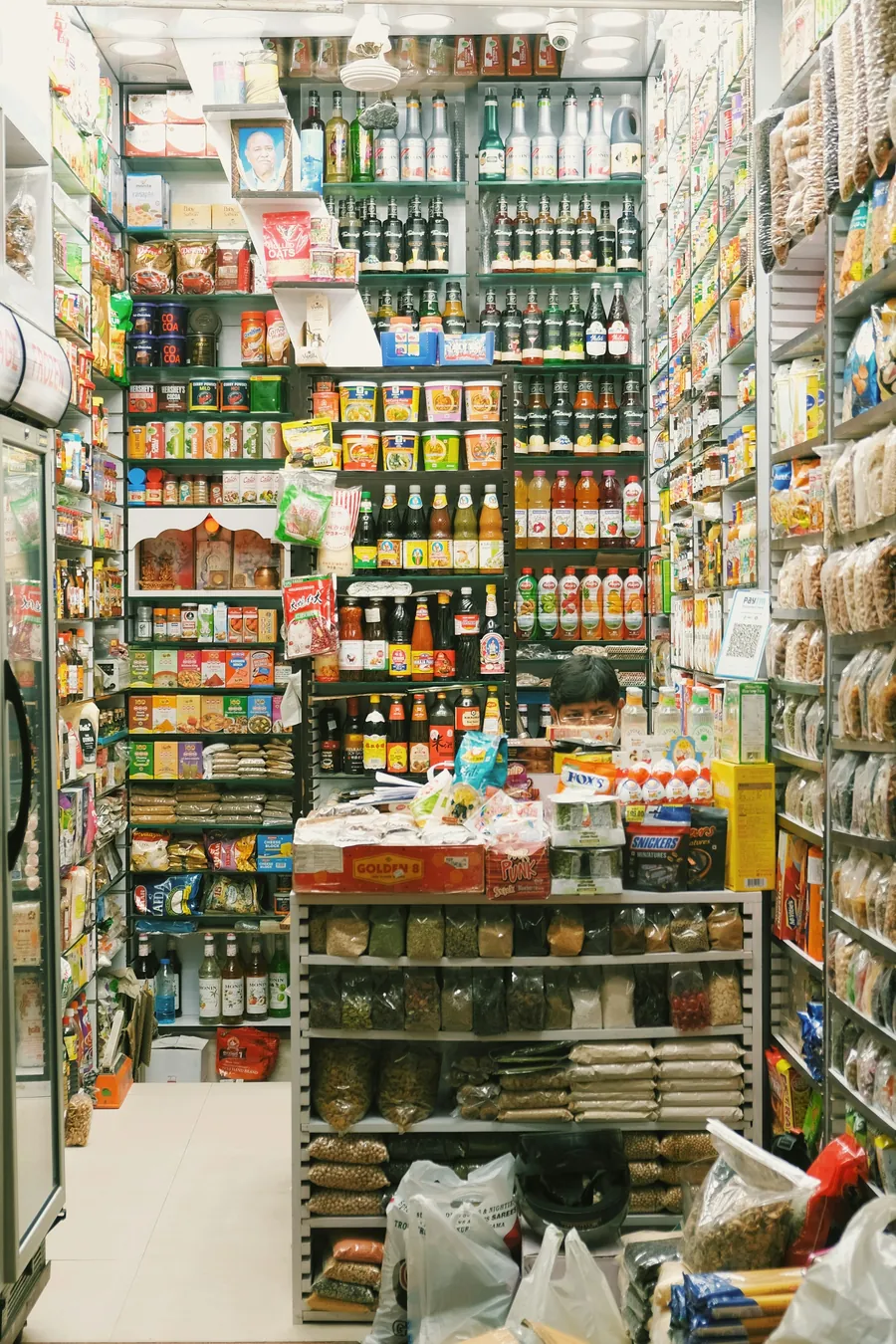
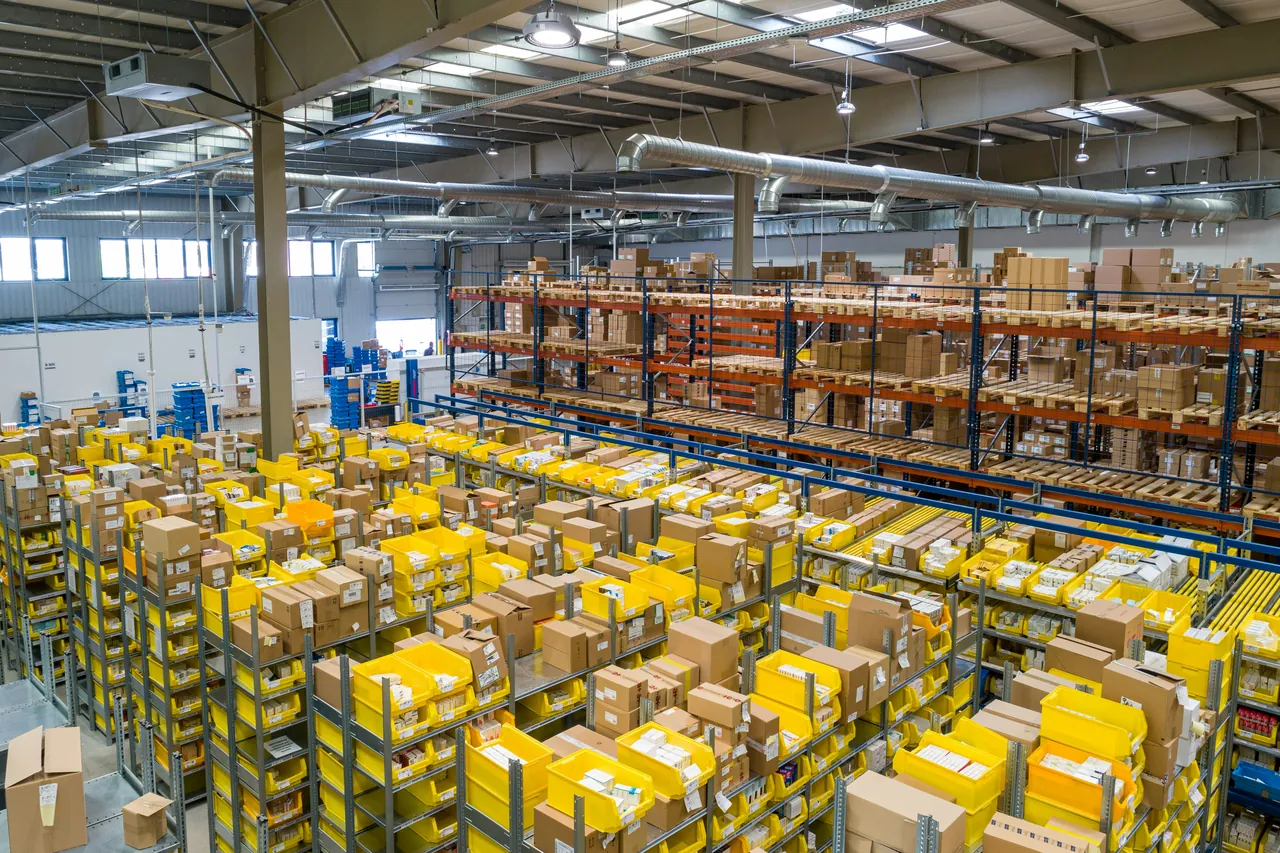
Every trade has its own page, its own demo business and its own setup.

Your next bill can
be a better one.
Free for 15 invoices a month. Try Plus for a week at ₹9. On your Android phone and in your browser.