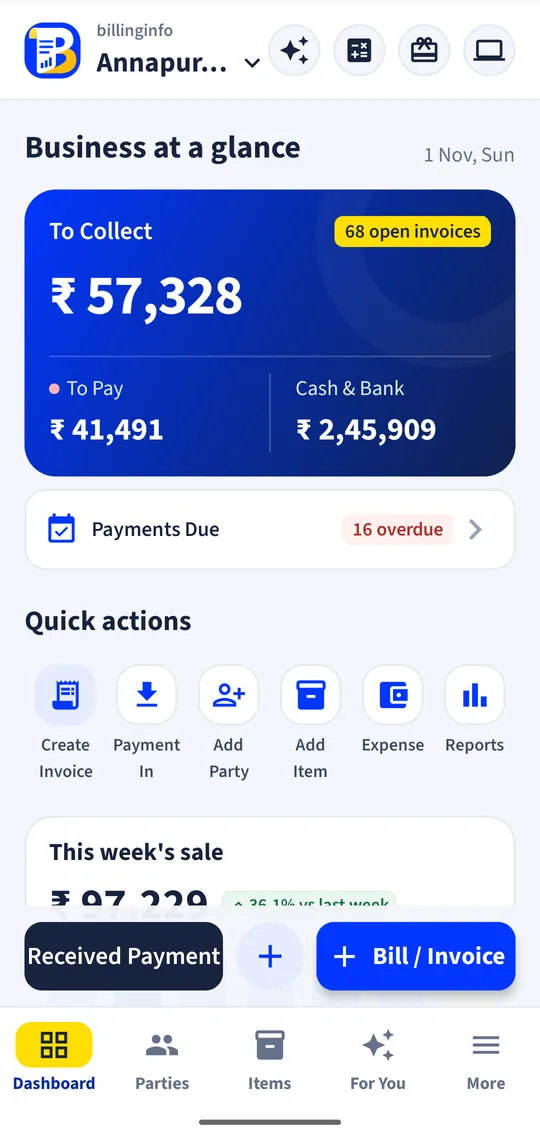
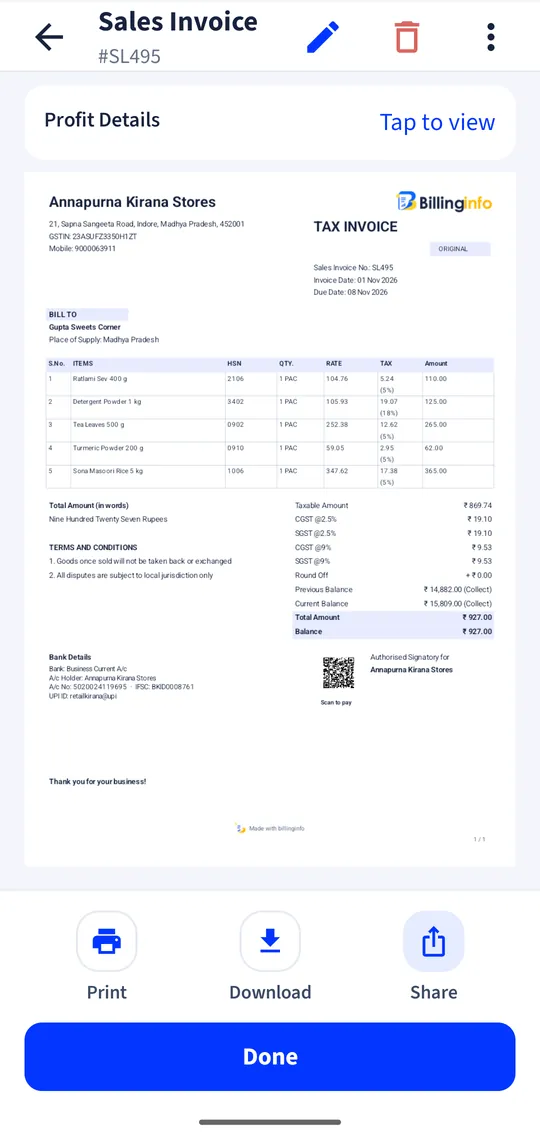
For jewellery
Billing forjewellers.
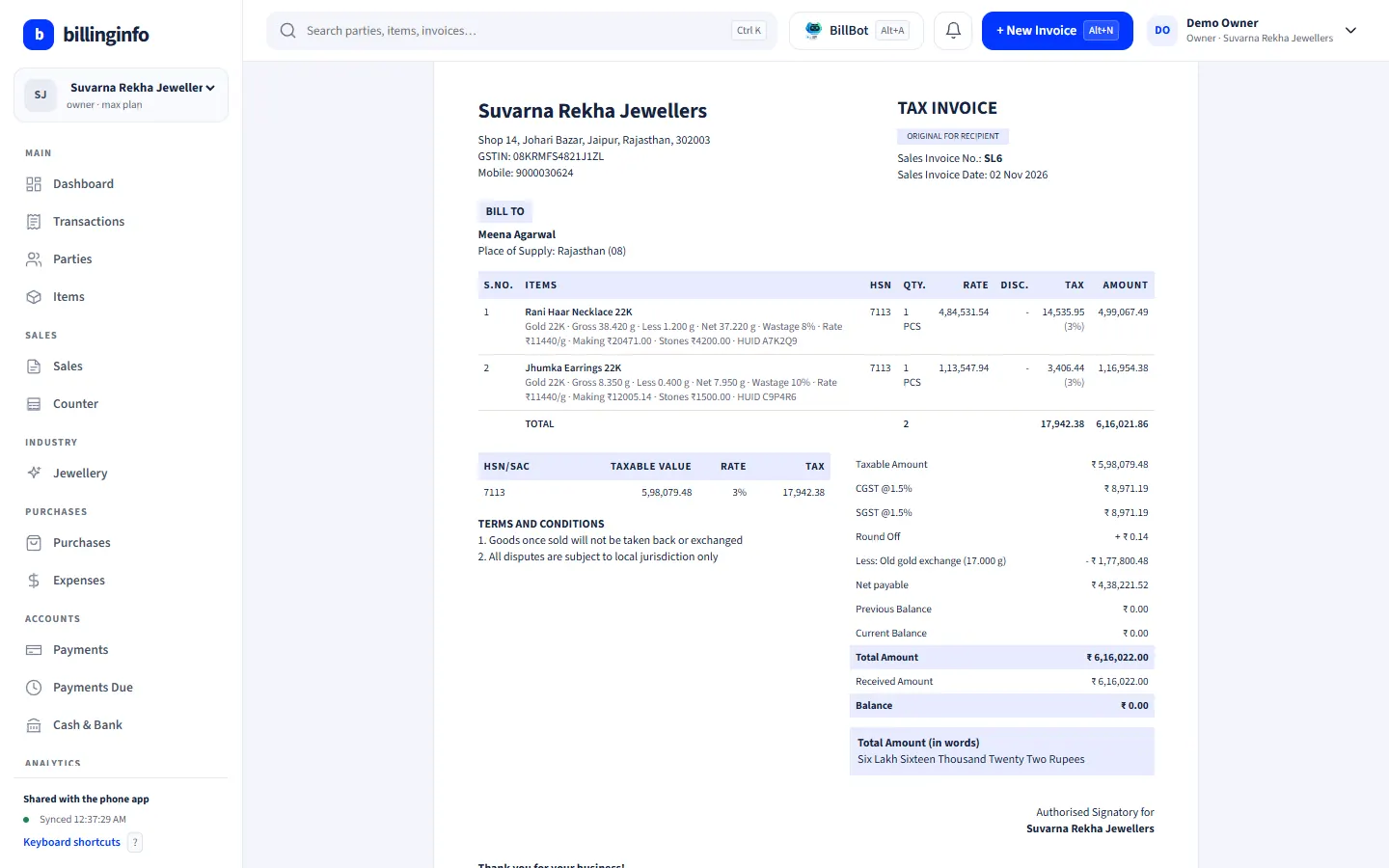
Set today’s gold, silver and platinum rates once. Every piece is priced from its net weight, wastage, making and stone charges, and old gold taken in exchange comes off the same bill.
Android app + website, same dataFree to start
Why switch
The problems we fix.
What owners in this trade told us costs them time and money, and what billinginfo does about it.
Rates change every day
Every price has to be worked out again when the gold rate moves.
Weights, wastage and making
Gross, less and net weight, wastage and making charges on every piece.
Old gold exchange
Valuing a customer’s old gold and taking it off the bill without upsetting your cash book.
Features
Built for your counter.
Every tool below is in the same app and the same website, with your items, parties and bills.
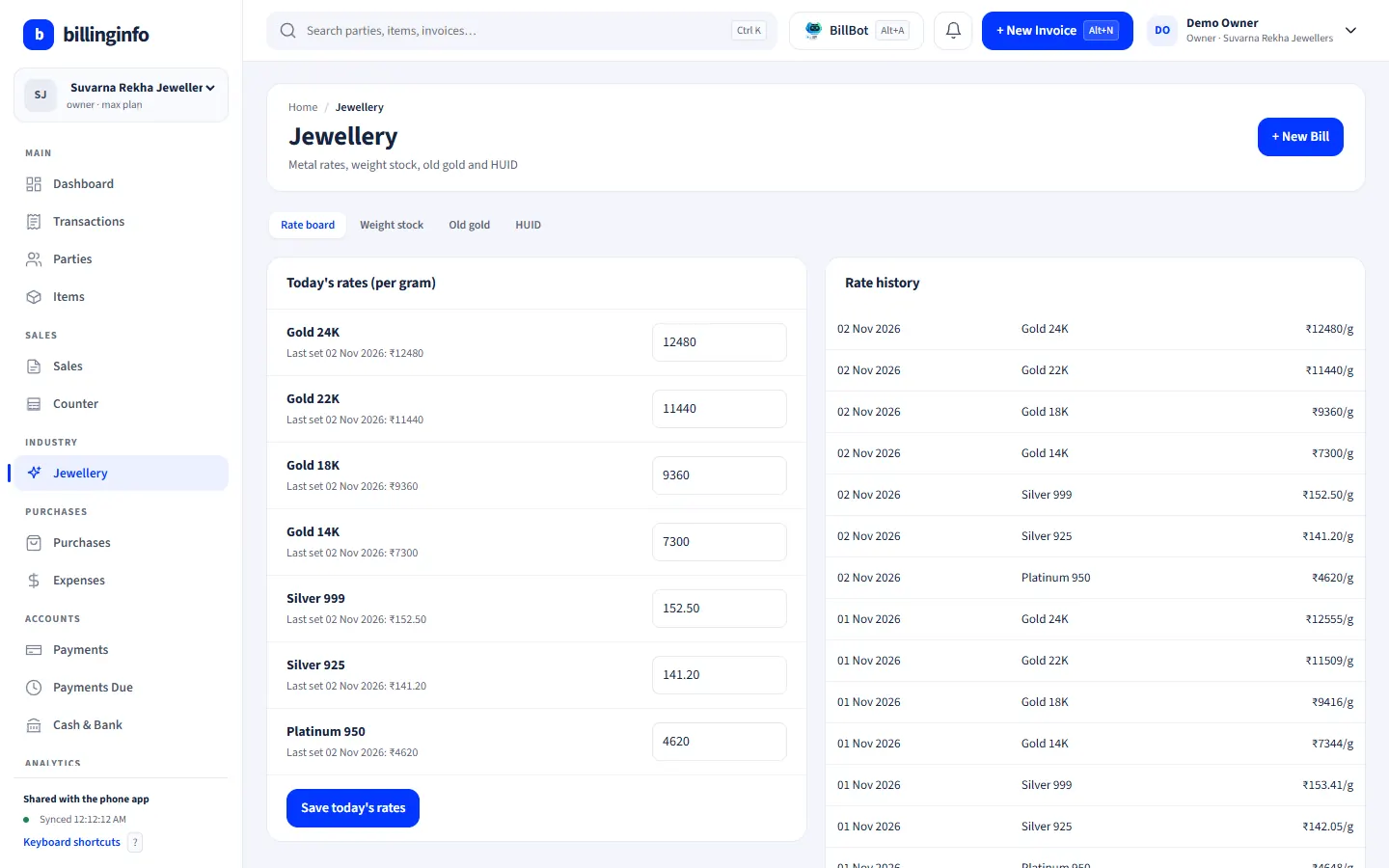
Daily rate board
Today’s rate per gram for gold 24K, 22K, 18K and 14K, silver 999 and 925, and platinum, set once a day, with the full rate history.
Every piece by weight
Gross weight, less weight for stones, net weight, wastage %, purity and HUID on every item.
Making charges your way
Per gram, a percentage of the metal value or a flat amount, plus stone and other charges.
Priced as you bill
Pick a piece and its price fills in from today’s rate. Change the weight or the rate on the bill and it is priced again. GST at 3% is filled in; every rate stays editable.
Old gold exchange
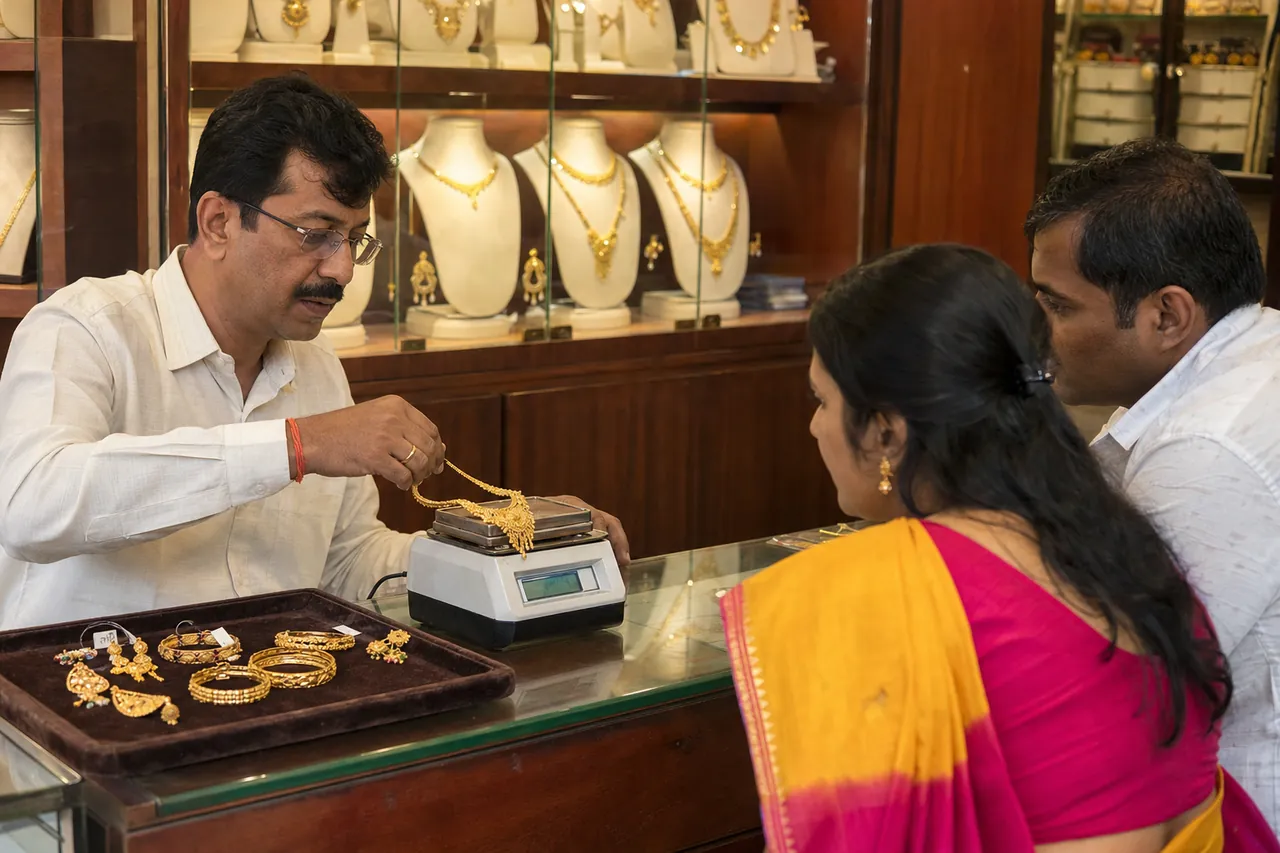
Weigh the old gold, set a melting or purity deduction, and its value comes off the bill as “Less: Old gold exchange” with the net payable. It never mixes with your cash or bank balance.
Weight stock and HUID search
Pieces, gross, net and fine weight in stock by metal and purity, an old gold register, and a HUID search that finds the piece and the bill it was sold on.
Made for
Who uses it.
Shown: Suvarna Rekha Jewellers, a demo business with made-up data.
- Gold and silver jewellery shops
- Jewellery showrooms
- Jewellers selling silver articles and payals
- Family jewellers taking old gold in exchange
- Hallmarked jewellery retailers
The Jewellery module switches on by itself when your industry type is Jewellery, and any business can turn it on in Business Settings → Industry modules. Industry modules are part of the Plus, Pro and Max plans (try Plus for a week at ₹9). Every plan includes GST billing, party ledgers, basic reports and backup; see what each plan includes.
Does it handle old gold exchange?
Yes. Add the old gold on the invoice with its weight, deduction and rate. Its value comes off the bill and is kept apart from your cash and bank balance.
Does the HUID print on the bill?
Yes. Each line prints metal, purity, gross, less and net weight, rate, making, stones and HUID, on A4 invoice themes and thermal receipts.
How do I switch on the Jewellery tools?
They come on by themselves when your industry type is Jewellery. Otherwise open Business Settings → Industry modules and switch on Jewellery. Industry modules are part of the Plus, Pro and Max plans, on the phone and in the web app.
Is billinginfo free?
Yes. Free is free forever for up to 15 sales invoices a month, with stock, parties, payments, basic reports and backup. Plus, Pro and Max add unlimited invoices, GST reports, batches and serial numbers, e-Way Bills, AI bill scans, BillBot and more. Try Plus for a week at ₹9. See pricing.
Free setup help
We’ll set it up
with you.
Leave your details and we’ll call to help with your items, your invoice look and your first bill. No charge.
- Your item list imported from Excel
- Invoice design with your logo and bank details
- Staff logins and roles
Sent us “BILL” on Instagram? This is the form. We only use these details to contact you about billinginfo.
Other trades
Also used by.
Every trade has its own page, its own demo business and its own setup.



Your next bill can
be a better one.
Free for 15 invoices a month. Try Plus for a week at ₹9. On your Android phone and in your browser.