Software
Transport software forlorry receipts and freight bills
Book a consignment and print the lorry receipt in a minute, bill each party per trip or once a month from its unbilled LRs, and see what every trip earned after diesel, tolls and driver advances.
Free for 15 invoices a monthAndroid and browserHindi, Gujarati and Hinglish
What it does
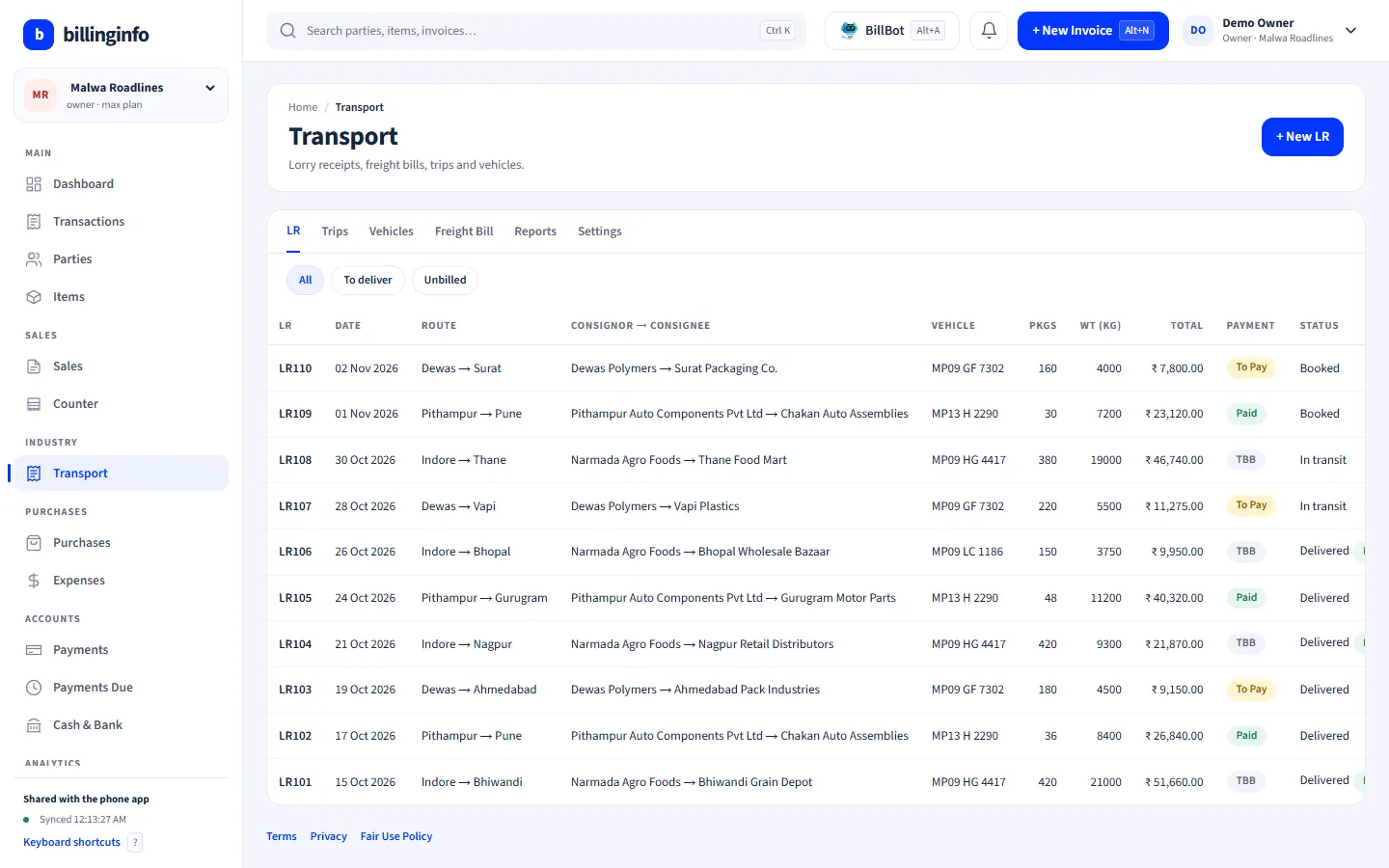
Lorry receipts
Consignor and consignee, route, vehicle and driver, packages and weights, freight per kg, ton, package or fixed, plus loading, unloading and other charges.
Paid, To Pay or TBB
Each LR records who pays, with the advance and balance.
e-Way Bill details on the LR
The consignor’s invoice number, goods value and e-Way Bill number with its validity.
Delivery tracking
Booked, in transit and delivered, with a proof-of-delivery note.
Freight bills
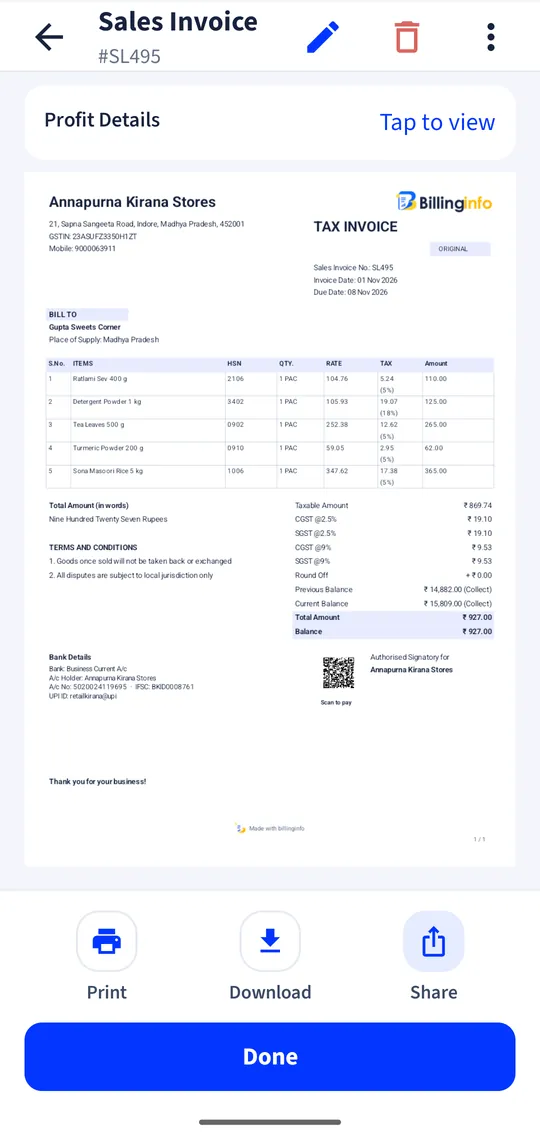
Pick a party’s unbilled LRs for a trip or a month and make one GST invoice with a line per LR under SAC 996791.
GTA GST options
Reverse charge (recipient pays 5%), forward charge at 5%, or 18% with input credit, chosen per bill, with the reverse-charge note printed.
Trips and vehicles
Own and hired vehicles; each trip’s LRs, diesel, tolls, driver advance and hire charges, with trip profit and mileage.
Prints and reports
A4 LRs with consignor, consignee, driver and office copies, thermal LRs, and reports for unbilled LRs, trip profit and to-pay collections.
What transport software has to handle
A transport office works in two documents: the lorry receipt (LR or bilty) that travels with the goods, and the freight bill that collects the money. The LR needs speed and copies; the freight bill needs every LR of a party in one place, with the right GST treatment for a goods transport agency. Between them sits the question every owner asks: did this truck make money on this trip?
Look for software that makes the freight bill from LRs instead of retyping them, records Paid, To Pay and TBB properly, and lets the booking clerk work without access to the accounts. billinginfo’s Transport module is on the Plus, Pro and Max plans, on the phone and the web app; the logistics page has a demo transporter’s screens.
GST for goods transport agencies, briefly
A GTA can bill under reverse charge, where a registered recipient pays 5% GST, or opt for forward charge at 5% without input credit or at 18% with input credit. Under reverse charge the invoice must say so. billinginfo lets you choose the treatment per bill and prints the note. See our reverse charge guide and confirm the option you have declared with your accountant.
A worked example
Through the month you book 14 LRs for one manufacturer, all TBB. On the 1st you open Freight bill, pick the party, select its 14 unbilled LRs and save one invoice under reverse charge: 14 lines, SAC 996791, no GST charged by you and the reverse-charge note printed. Meanwhile each LR is linked to its trip, and the trip report shows income against diesel, tolls and the driver’s advance.
Get started
- Set your industry type to Logistics & Transport, or switch on Transport in Business Settings → Industry modules.
- Add vehicles (own or hired) and drivers.
- Book LRs as consignments arrive; print the copies.
- Make freight bills from unbilled LRs and check trip profit.
Can my booking clerk make LRs?
Yes. A Salesman login can make lorry receipts; owners, admins and partners make freight bills.
Do trip expenses go into my cash book?
Not automatically. Trip expenses are for trip profit; record cash paid out under Expenses if you want it in Cash & Bank.
Can I generate the e-Way Bill from the LR?
The LR stores the consignor’s e-Way Bill number and validity. e-Way Bills are generated from invoices, challans and returns.
Which plan do I need?
Industry modules are part of Plus, Pro and Max. Try Plus for a week at ₹9.
Your next bill can
be a better one.
Free for 15 invoices a month. Try Plus for a week at ₹9. On your Android phone and in your browser.