Software
Hotel billing softwarefor small hotels and lodges
billinginfo does not have a room booking chart or check-in module. What it does well for a small hotel or lodge: GST invoices for room stays and extras, a restaurant with tables and KOTs, guest dues and the accounts behind them.
Free for 15 invoices a monthAndroid and browserHindi, Gujarati and Hinglish
What it does
Room stays as service items
Create items such as “Deluxe room, per night” with SAC 9963 and the GST rate that fits your tariff; bill nights as the quantity.
Extras on the same bill
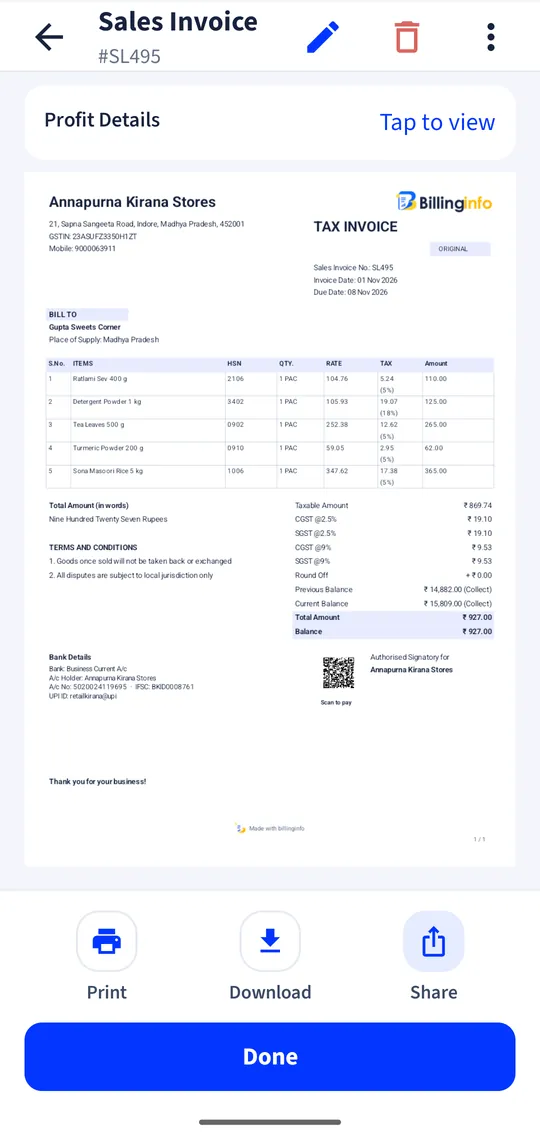
Laundry, extra bed, airport pickup and food on one invoice, each with its own SAC and rate.
Advance and balance
Record an advance at booking as a payment from the guest, and settle the balance on the final bill.
Restaurant module
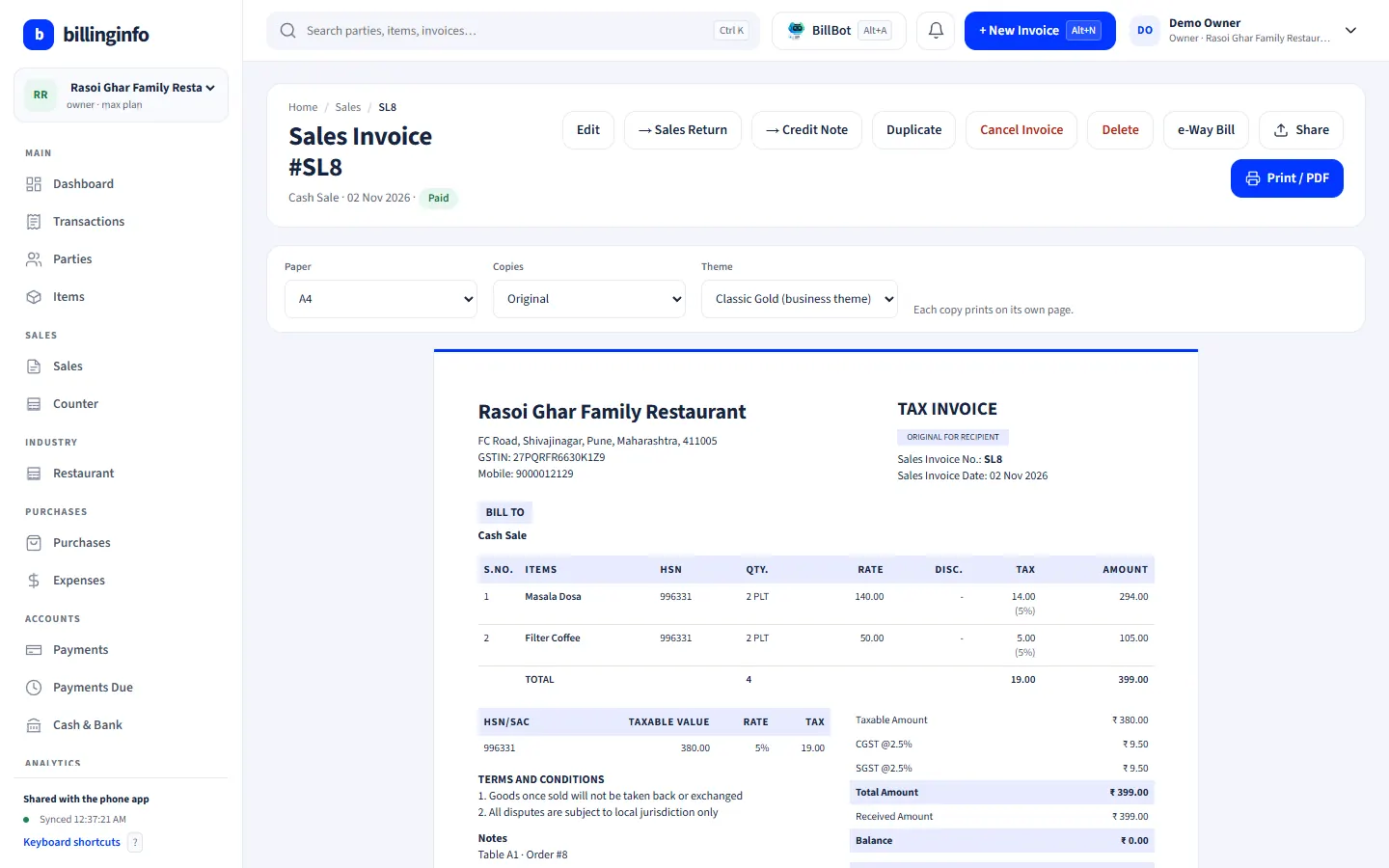
Tables, KOTs, running orders and room-service orders billed in one tap (paid plans).
Company guests
Bill a company with its GSTIN on a B2B tax invoice so it can claim input credit where allowed.
Not available
No room availability chart, check-in or check-out register, OTA channel sync or guest ID storage.
Is this enough for your hotel?
Hotel software usually means a front-office system: a room chart, reservations, check-in with guest IDs, and links to booking sites. billinginfo is not that. It is a billing, stock and accounting app. If you run a small lodge, guest house or a restaurant with a few rooms, and you keep bookings in a register or on a booking site already, billinginfo can handle the part that comes after: the GST invoice, the payments and the books.
If you need a room chart and check-in register inside your billing app, it is not available today; tell us if it would matter to you.
GST on room stays, briefly
Since 22 September 2025, hotel accommodation with a value of supply up to ₹7,500 per unit per day is taxed at 5% without input tax credit, and above ₹7,500 at 18% with input credit. Hotel restaurants follow the restaurant rules: 18% where the hotel has room tariffs above ₹7,500, otherwise 5%. Set the rate on each room item and check it with your accountant; see our GST rates guide for sources.
A worked example
A guest books two nights in a room at ₹2,400 a night and pays ₹1,000 in advance by UPI; you record a Payment In against the guest. At check-out you make one invoice: the room item, quantity 2, at 5% GST, plus a room-service dinner. The advance is adjusted, the balance is paid in cash, and the guest gets the bill on WhatsApp.
Get started
- Add room types as service items with SAC 9963 and their GST rate.
- Add extras (laundry, pickup) as service items; switch on the Restaurant module if you run one.
- Record advances as payments from the guest.
- Make one invoice at check-out and share it.
Does billinginfo manage room bookings?
No. There is no room chart, reservation or check-in module. Use it for invoices, payments, the restaurant and the accounts.
Can I bill a company with its GSTIN?
Yes. Add the company as a party with its GSTIN; the invoice shows it and goes into the B2B part of GSTR-1.
Can room service be added to the guest’s bill?
Yes. Add the items to the guest’s invoice, or bill them from a restaurant table and record them on the same party.
Which plan do I need?
Room invoices work on every plan. The Restaurant module and GST reports are part of Plus, Pro and Max.
Your next bill can
be a better one.
Free for 15 invoices a month. Try Plus for a week at ₹9. On your Android phone and in your browser.