Software
Fee management softwarefor coaching and tuition
Students, batches, fee plans and dues in one place. Collect a fee, hand over a receipt that shows what is still due, and see who to remind, from your phone or your computer.
Free for 15 invoices a monthAndroid and browserHindi, Gujarati and Hinglish
What it does
Students and batches
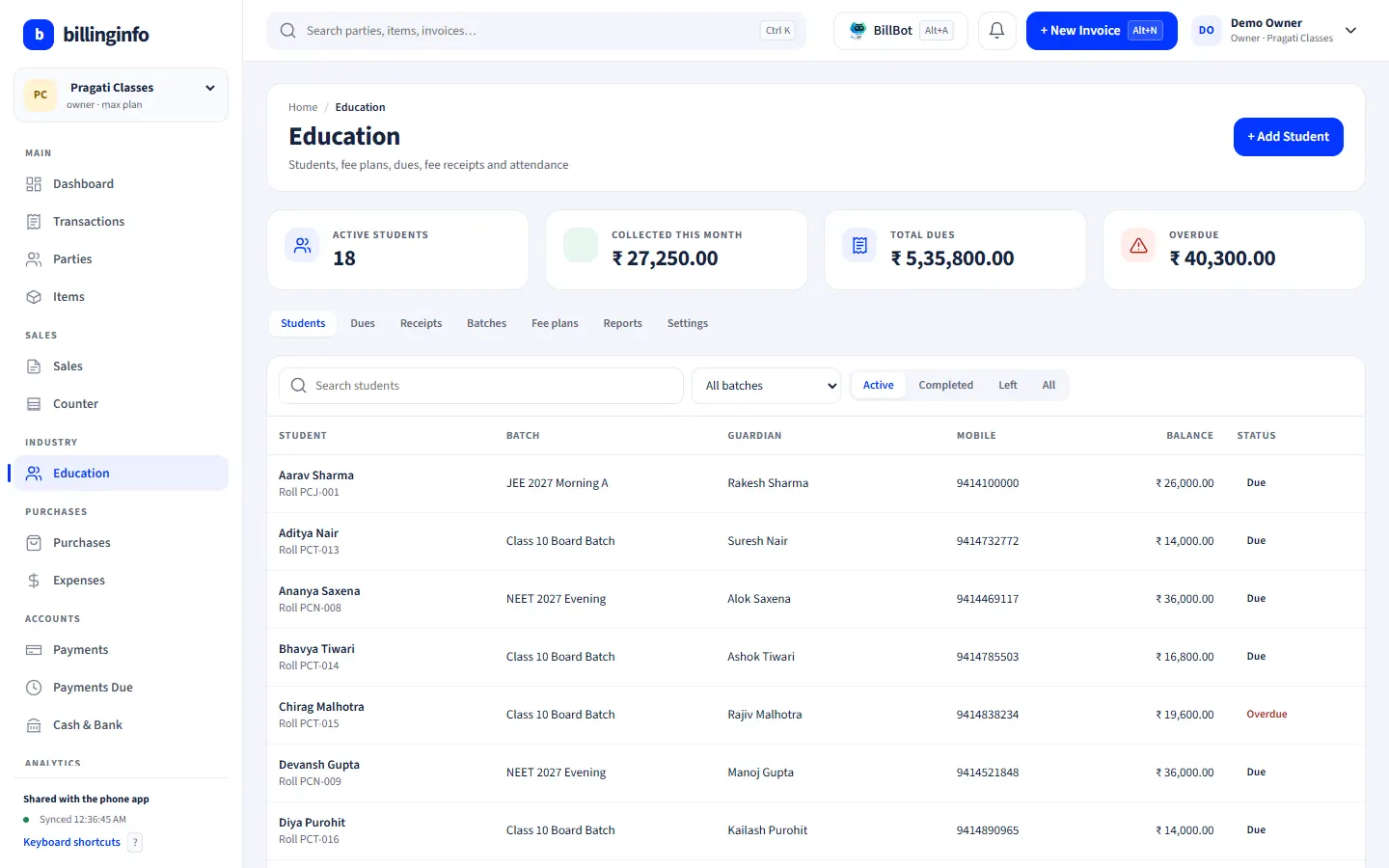
Guardian, mobile, roll number, batch and admission date; batches with timing, teacher, seats and a default fee plan.
Fee plans
Monthly, quarterly, half-yearly, yearly, one-time or instalments, with admission or kit fees and discounts; due dates fill in from the admission date.
Late fees
A flat late fee or a fee per day, with grace days and a cap, suggested when you collect and always editable.
Receipts that settle the oldest dues
Type the amount and it goes to the oldest dues first; the receipt shows the balance still due.
Books and GST stay right
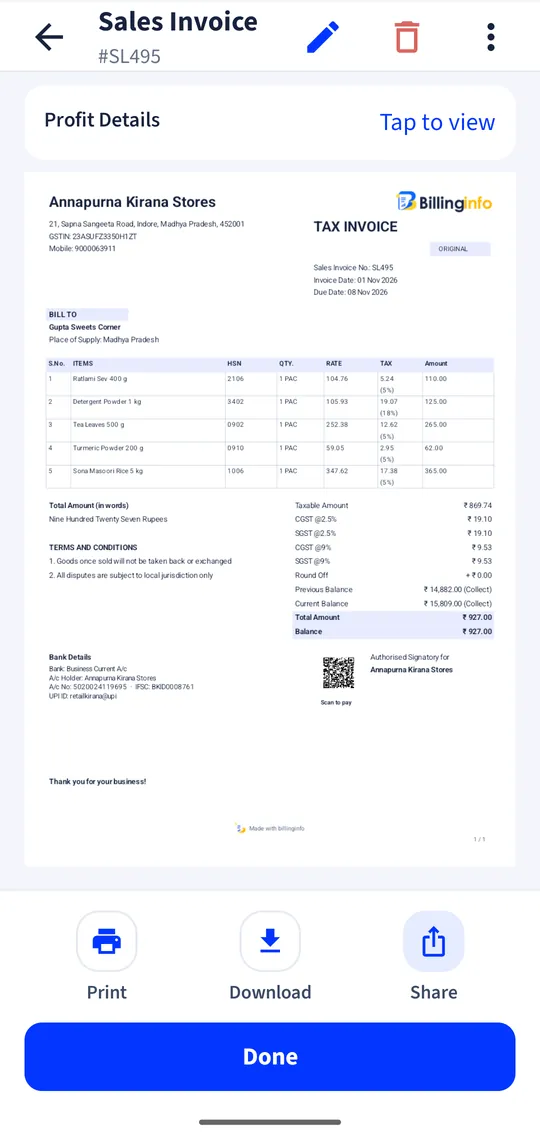
Every receipt also makes an invoice and payment, so cash, bank and GST reports match.
Reminders
A list of overdue students with a ready reminder message for each parent, sent from your phone; nothing goes out without you.
Attendance
Mark absentees by batch and see each student’s attendance %.
Reports
Fee collection, dues by student and monthly attendance, exportable as CSV.
From the fee register to software
A fee register answers one question well: did this student pay this month? It answers badly the questions that cost money: who is overdue by more than a month, how much late fee is owed, what did we collect this quarter, and do our receipts match our books. Fee software should answer all of them without extra work, and the receipt you hand a parent should be the same record your accountant sees.
billinginfo’s Education module is on the Plus, Pro and Max plans, on the phone and the web app. The education page shows a demo coaching class.
GST on coaching fees, briefly
Private coaching, tuition and test preparation are taxable services, generally at 18%. Services by an educational institution to its students that lead to a qualification recognised by law are exempt. billinginfo uses 18% by default and lets a recognised institution mark its fees exempt. Many small tutors are below the registration threshold; check with your accountant, and see our GST registration guide.
A worked example
A student joins on 10 June on a quarterly plan of ₹6,000 with a ₹500 admission fee. billinginfo sets the dues: ₹6,500 now, then ₹6,000 on 10 September and 10 December. The parent pays ₹4,000 in June; the receipt shows ₹2,500 still due. On 20 June, past the grace days, the dues list suggests a late fee, and one tap opens a reminder message for the parent.
Get started
- Set your industry type to Education, or switch on Education in Business Settings → Industry modules.
- Create batches and fee plans.
- Add students and assign them to batches.
- Collect fees, share receipts and check the dues list weekly.
Are reminders sent automatically?
No. The dues list shows who is overdue; one tap opens your messaging app with the reminder ready.
Can parents pay online?
You can share a payment link with an invoice and mark it paid when the money arrives, or print your UPI QR on receipts.
Is the receipt also a GST invoice?
Every fee receipt creates an invoice and a payment in your books, with GST if your fees are taxable.
Which plan do I need?
Industry modules are part of Plus, Pro and Max. Try Plus for a week at ₹9.
Your next bill can
be a better one.
Free for 15 invoices a month. Try Plus for a week at ₹9. On your Android phone and in your browser.