Software
Billing software inHindi and Gujarati
Switch billinginfo to Hindi, Gujarati or Hinglish and bill in the language you think in. The setting applies to your business on the phone and in the web app; invoices and reports still print in English for your customers, your accountant and the tax office.
Free for 15 invoices a monthAndroid and browserHindi, Gujarati and Hinglish
What it does
Four languages
English, Hindi (हिन्दी), Gujarati (ગુજરાતી) and Hinglish, Hindi written in English letters.
Phone and web
Choose the language once for your business; the Android app and the web app both follow it.
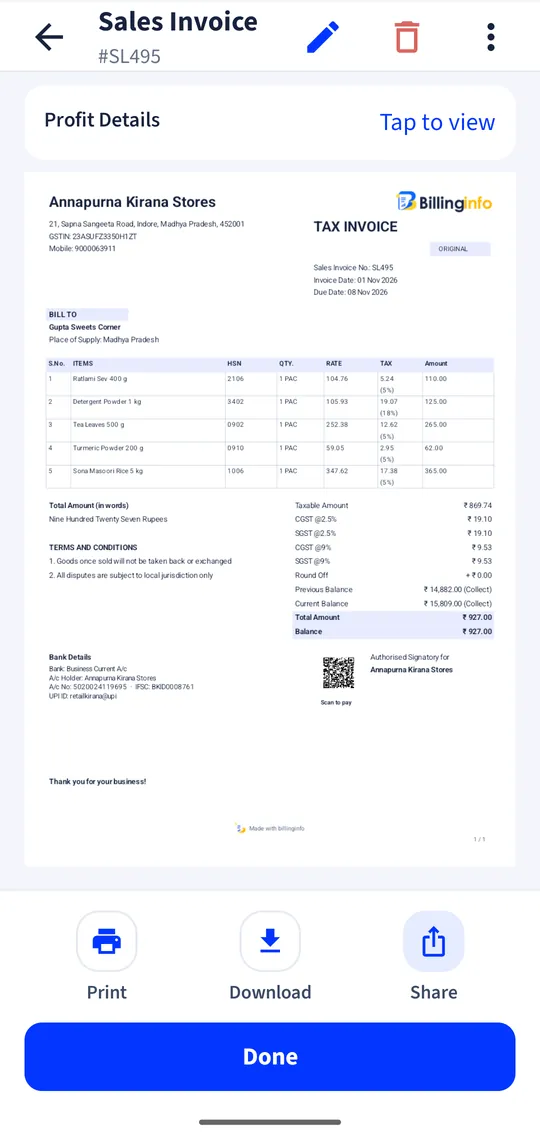
Invoices in English
Bills, PDFs and reports for your customers and accountant stay in English.
Your names, your way
Party and item names are saved exactly as you type them.
Change any time
Switch the language in settings without losing anything.
Why language matters at the counter
Billing software is used most by the people with the least time to learn it: the owner between customers, the helper at the counter, the salesman in the market. Menus in a second language slow every one of them down and lead to mistakes, such as a sale saved as a quotation or a payment recorded against the wrong bill. Menus in the language they speak at home make the app something they can use on day one.
Hinglish, for those who read Hindi in English letters
Many people speak Hindi but type and read it in English letters on their phone. The Hinglish option uses Hindi words in the Latin script, so “Bill banao” instead of either an English term or Devanagari.
Why invoices stay in English
An invoice goes to customers, suppliers, transporters and tax officers across India. English keeps it readable everywhere and keeps GST terms exact, and it keeps your reports in the form your accountant expects. Only the app’s menus, buttons and messages change language.
Get started
- Open Settings in the app or the web app.
- Choose Language and pick Hindi, Gujarati or Hinglish.
- Keep billing: the menus change at once, your records stay as they are.
Can the invoice print in Hindi?
No. Invoices, PDFs and reports print in English; only the app’s menus and buttons change language.
Are more languages coming?
Tell us which one you need on the contact page.
Does the language change for my staff too?
Yes. Language is a setting of the business, so everyone who works in that business sees the same language on the phone and the web.
Your next bill can
be a better one.
Free for 15 invoices a month. Try Plus for a week at ₹9. On your Android phone and in your browser.