Software
Mobile shop billingwith IMEI on every bill
Record each handset’s IMEI when it comes in, print it on the bill when it goes out, and find the bill in seconds when a customer comes back with a warranty claim.
Free for 15 invoices a monthAndroid and browserHindi, Gujarati and Hinglish
What it does
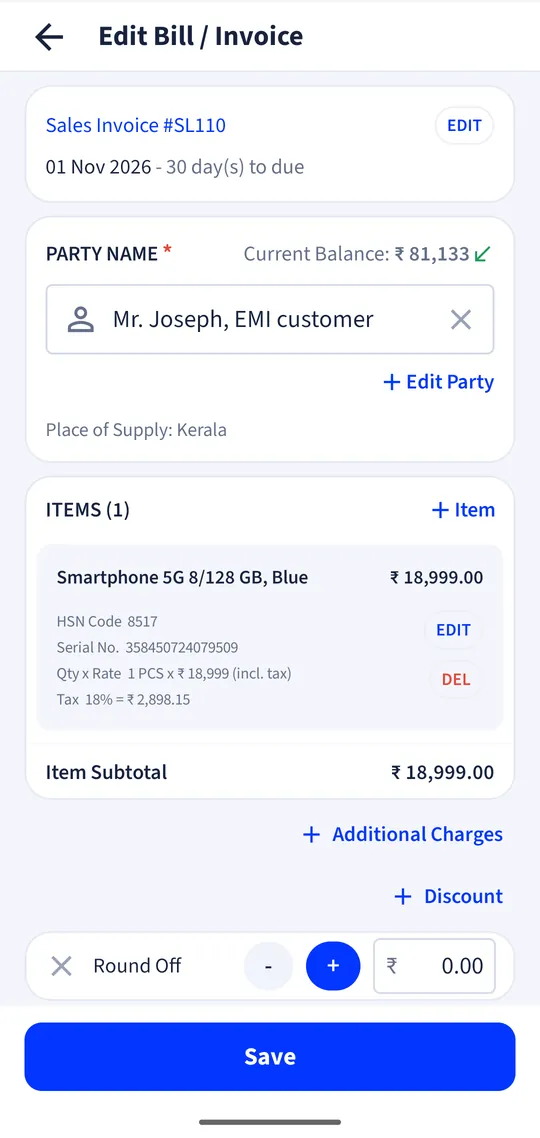
IMEI and serial capture
Enter or scan each unit’s IMEI or serial on the purchase; stock counts units, not just quantities.
Pick the unit you sell
On the sale, choose the exact IMEI from the units in stock.
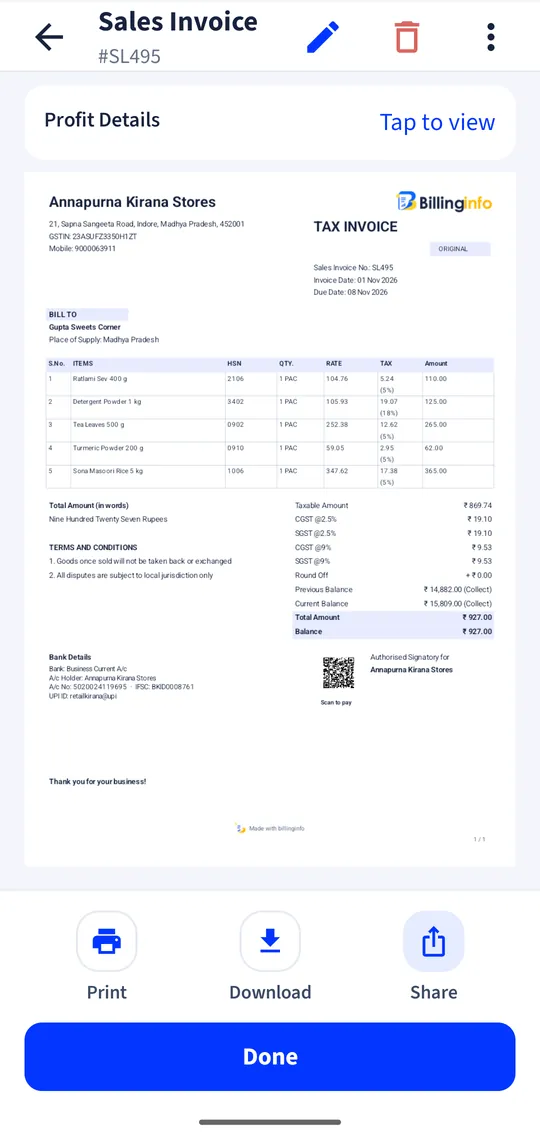
IMEI on the invoice
The serial prints under the item on every invoice design and thermal receipt.
Serial search
Search an IMEI to see when it came in, from whom, and which customer bought it.
Accessories by barcode
Scan covers, chargers and earphones at the counter; print labels for unbranded ones.
Split payments
One bill paid partly in cash, partly by UPI or card.
Brand and category reports
Sales and stock by brand, category and model.
Why IMEI tracking belongs in the billing app
A phone shop sells two very different things: handsets worth thousands, each unique, and accessories worth a few hundred, sold by the dozen. The handset is the one that comes back: for a warranty claim, an exchange, a theft report or a buyer asking for a duplicate bill. If the IMEI was written in a register, finding the sale means searching pages. If it was captured on the purchase and picked on the sale, it is one search.
Serial numbers are on the Plus, Pro and Max plans. The electronics and mobile page shows a demo shop’s screens.
What to look for
Check that the software forces a serial on the sale (so a phone cannot leave without one), that the serial prints on the bill in the design you use, that it handles phones with two IMEIs as one unit with both numbers in the text, and that a returned phone goes back into stock with its serial. Then check accessories: barcode billing and a fast counter matter more there.
A worked example
You buy five units of a phone model from a distributor and enter their five IMEIs on the purchase. A customer buys one; on the bill you pick its IMEI from the list of five, take ₹5,000 in cash and the rest by UPI, and print. Four months later the customer returns with a fault. You search the IMEI, open the bill, and share a copy for the service centre.
Returns, replacements and accessories
When a handset comes back within the return window, make a sales return (credit note) against the original bill and the IMEI goes back into stock, ready to sell or return to the distributor with a purchase return. For a replacement, bill the new unit with its own IMEI. Accessories need none of this: give them barcodes, sell them by quantity, and let the low-stock list tell you when chargers or covers run short.
Get started
- Turn on serial numbers for handsets in item settings.
- Enter IMEIs on purchase bills (type or scan them).
- Pick the IMEI on each sale; it prints on the bill.
- Use serial search for warranty and exchange questions.
Can I store two IMEIs for a dual-SIM phone?
Record the unit’s serial as one entry and include the second IMEI in it, so both print on the bill.
Can I sell on EMI?
billinginfo does not arrange finance. Record the down payment and the finance company’s payment as split payments, or bill the finance company as the party.
Can I take an old phone in exchange?
Record the old phone as a purchase from the customer, then settle the difference on the new bill.
Which GST rate applies to mobile phones?
Mobile handsets are taxed at 18%. Check current rates in our GST rates guide; billinginfo suggests rates from the official HSN list.
Your next bill can
be a better one.
Free for 15 invoices a month. Try Plus for a week at ₹9. On your Android phone and in your browser.